Fixed an issue where the app would not use the phone’s default ringtone and volume.
Fixed an issue that would cause the app to crash when a user receives multiple phone calls at the same time.
Stability improvements for scenarios where a user would respond to calls that have been terminated by the caller.
New Feature
Introducing the Event Log
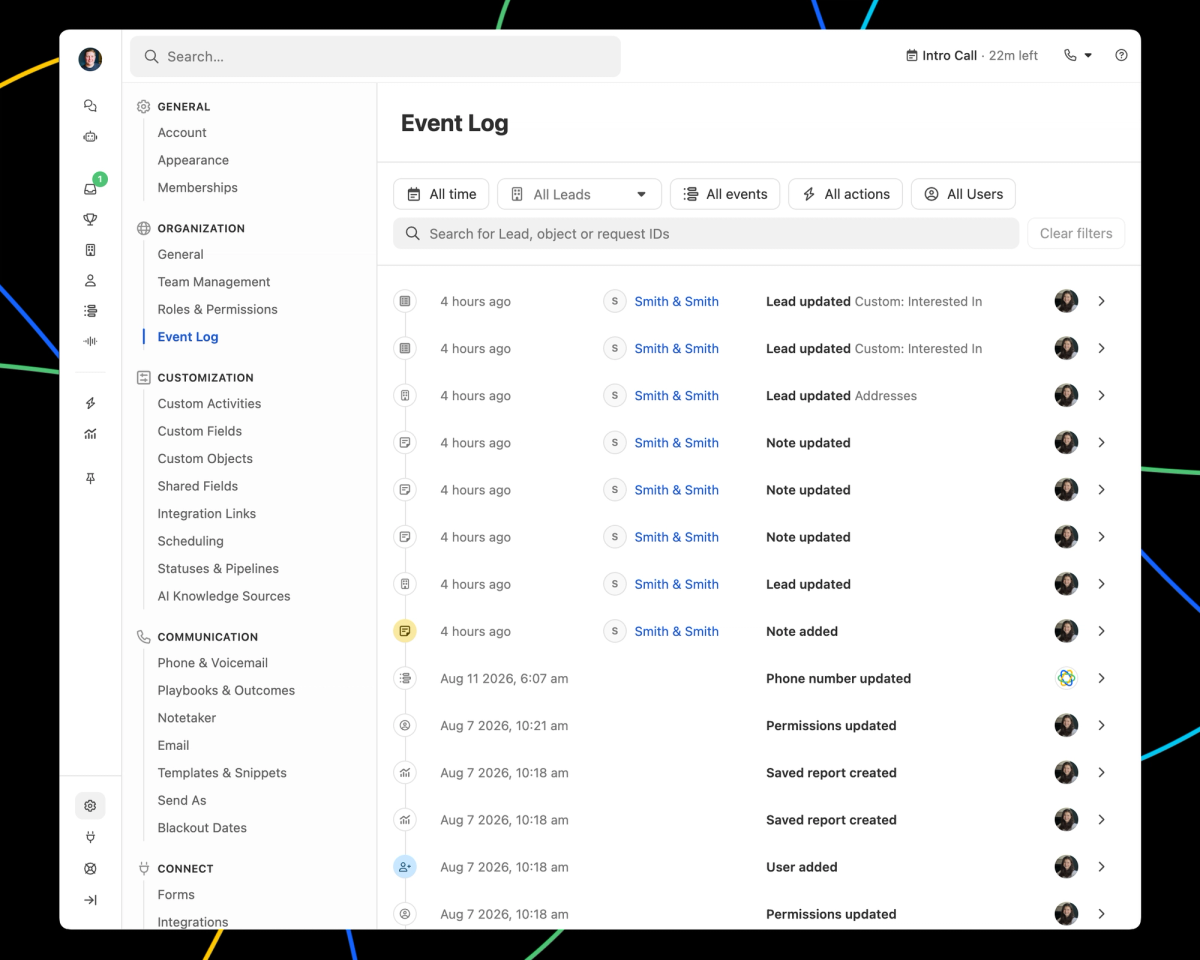
Wondering why a field changed, or where a value came from? The Event Log has the answer. It shows every change made in your organization, who made it, and how it happened, including changes made by people, Workflows, integrations, the API, etc.
Open it from Settings -> Organization -> Event Log to see everything across your org, filtered by date, lead, event type, action, or user. You can also open it from a lead's menu or the Log tab on a lead's activity feed to see it just for that lead.
Every event has both a detail and a raw event view, actions are labeled with the feature behind them, and timestamps show in your local timezone. No more guessing, and no more support ticket to find out.
The same events are available programmatically. The Event Log API returns them on request, and webhooks deliver them to your endpoint as they happen, so you can pull changes from Close into your own reporting or audit tooling. Both are documented on the Close developer site.
The Event Log covers the last 30 days, it's available on all plans, and access matches the Event Log API, so a user needs either the Manage Organization or View All Leads permission to see it.
Improvement
Improved navigation on macOS and Windows
Version 9.3.0 of Close for macOS and Windows is now available.
Release notes:
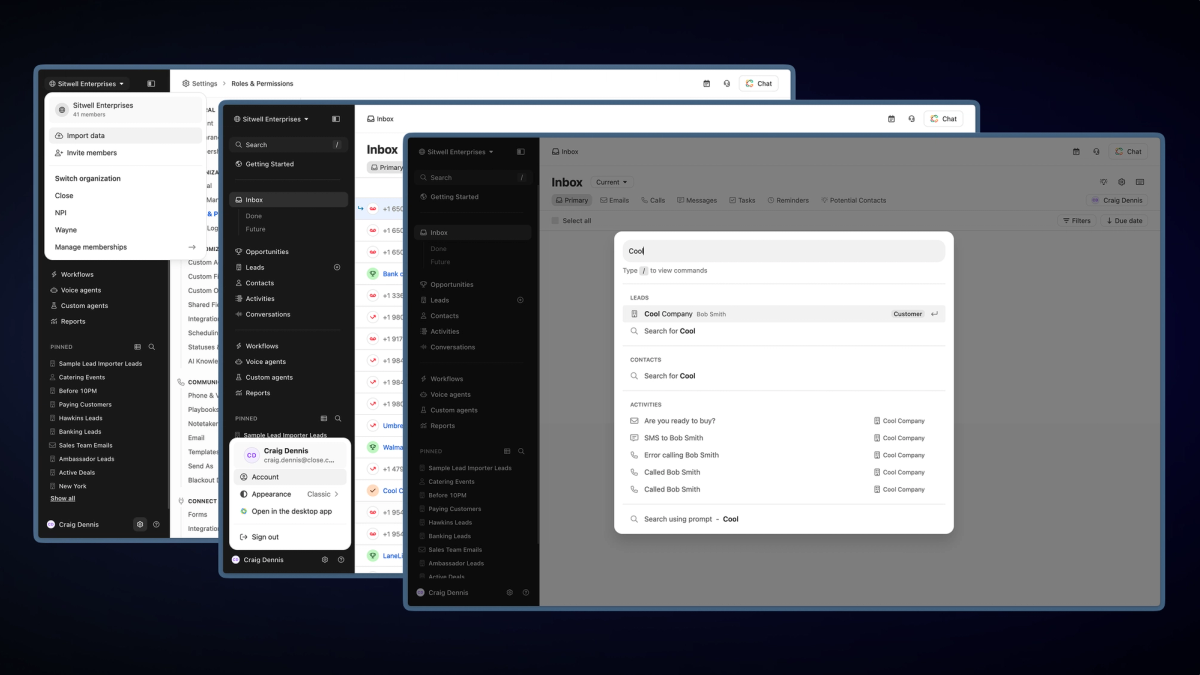
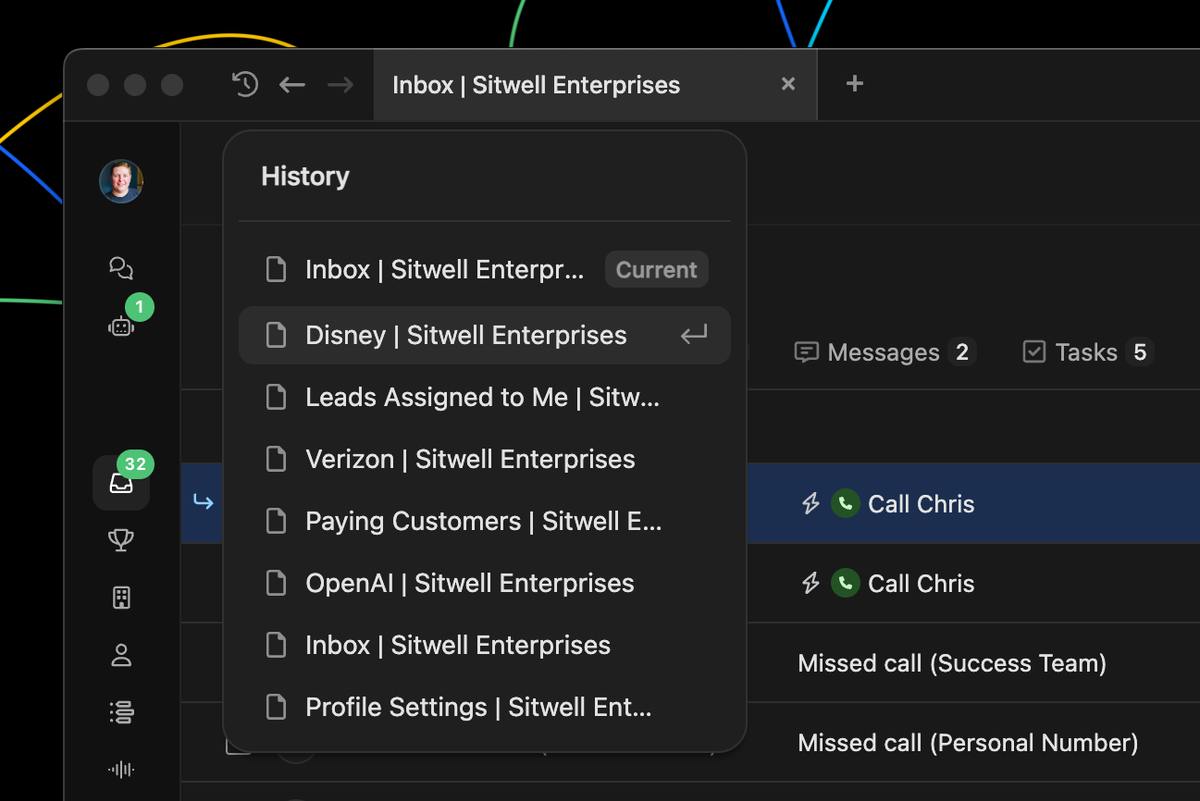
History navigation improvements — History navigation has been moved into the app header. Every tab now has back, forward, and a history button next to the tabs.
Cleaner tab titles — Tabs titles have been updated to only display the page name and organization (ex: “Inbox | Sitwell Enterprises”).
For existing macOS or Windows users, this update will automatically download in the background and be applied on restart. You can download Close for macOS and Windows here.
Improvement
Email verification now required to make changes in Close
Starting August 20, 2026, Close will require a verified email before you can create, update, or delete anything in your account. That covers adding and editing leads and contacts, logging activity, sending email and SMS, and completing tasks, both in the app and through the Close API. Read access is never affected and nothing is deleted.
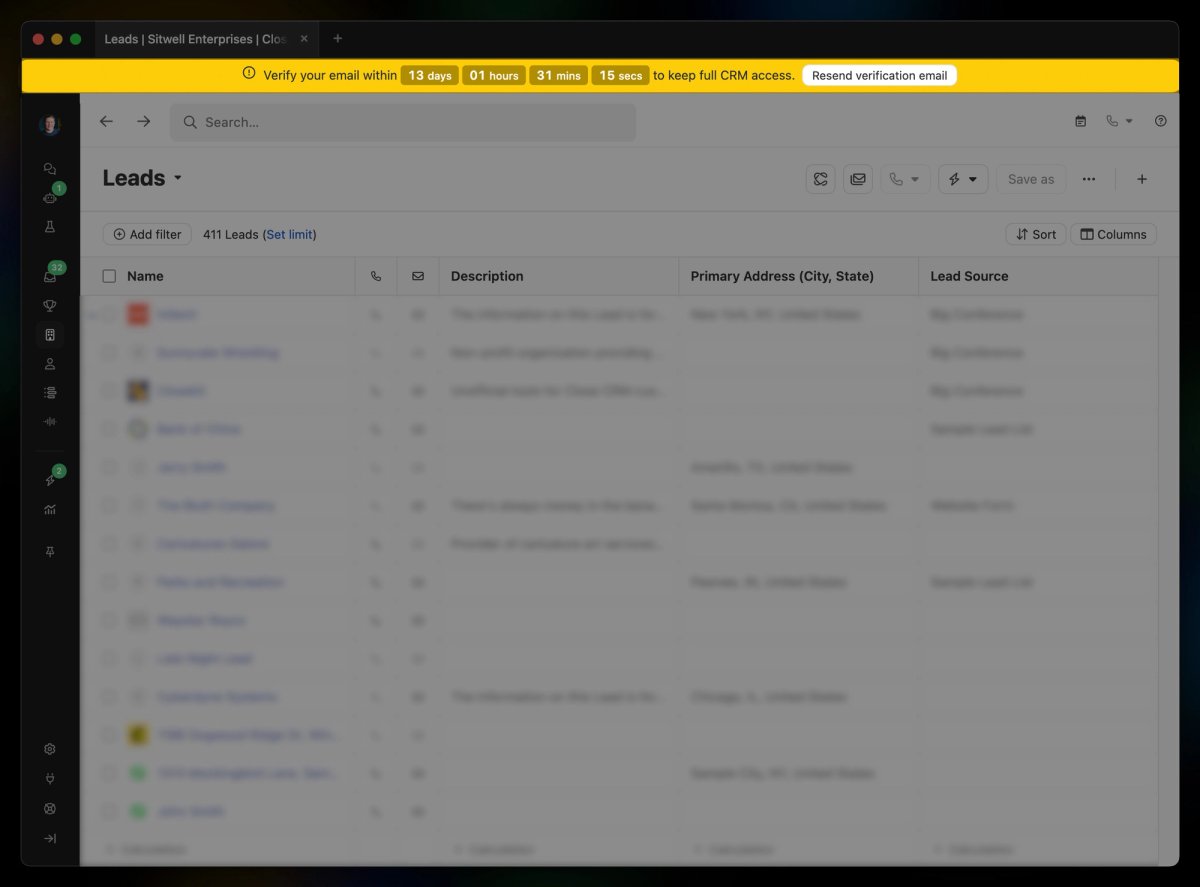
If your email isn't verified yet, you'll see a banner at the top of the app with a countdown to the deadline.
Use it to send a verification email to the address on your account, then click the link inside to verify.
Unverified accounts become read-only on August 20 until the email is verified, including anything running through the Close API.
If your team uses a shared or bot login (like a general support@ address) that was never verified, verify it before August 20 so automations don't break.
Requiring a verified email limits abuse from throwaway accounts, which protects account security and sending reputation for every Close customer.
Improvement
Improvement to External Phone Number verification
When you add an external phone number that was previously verified in your organization, Close immediately tells you it's already verified and adds it.
This release includes new and improved tools for Notes, Tasks, Voice Agents, drafting emails, and retrieving Notetaker meeting transcripts.
Improvement
Improved call handling on Android
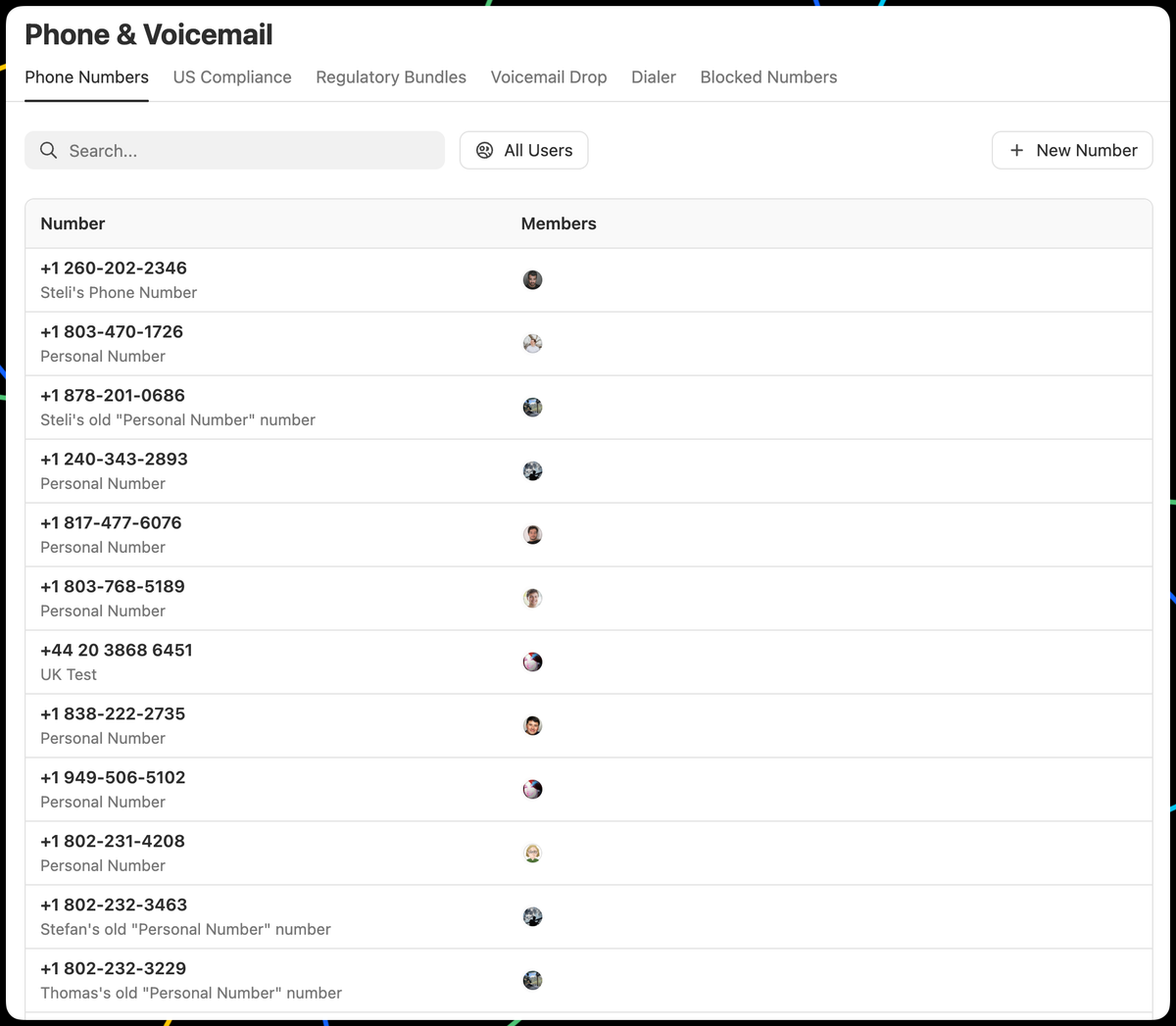
A new version of Close’s Android app has been released with improvements to incoming call reliability.
With this update, incoming calls should be easier to answer and behave more consistently. We fixed issues that could prevent the answer screen from appearing, cause the app to crash, or leave your phone ringing after a call ended.
New Feature
Microsoft Calendar Support for Scheduling and Chloe
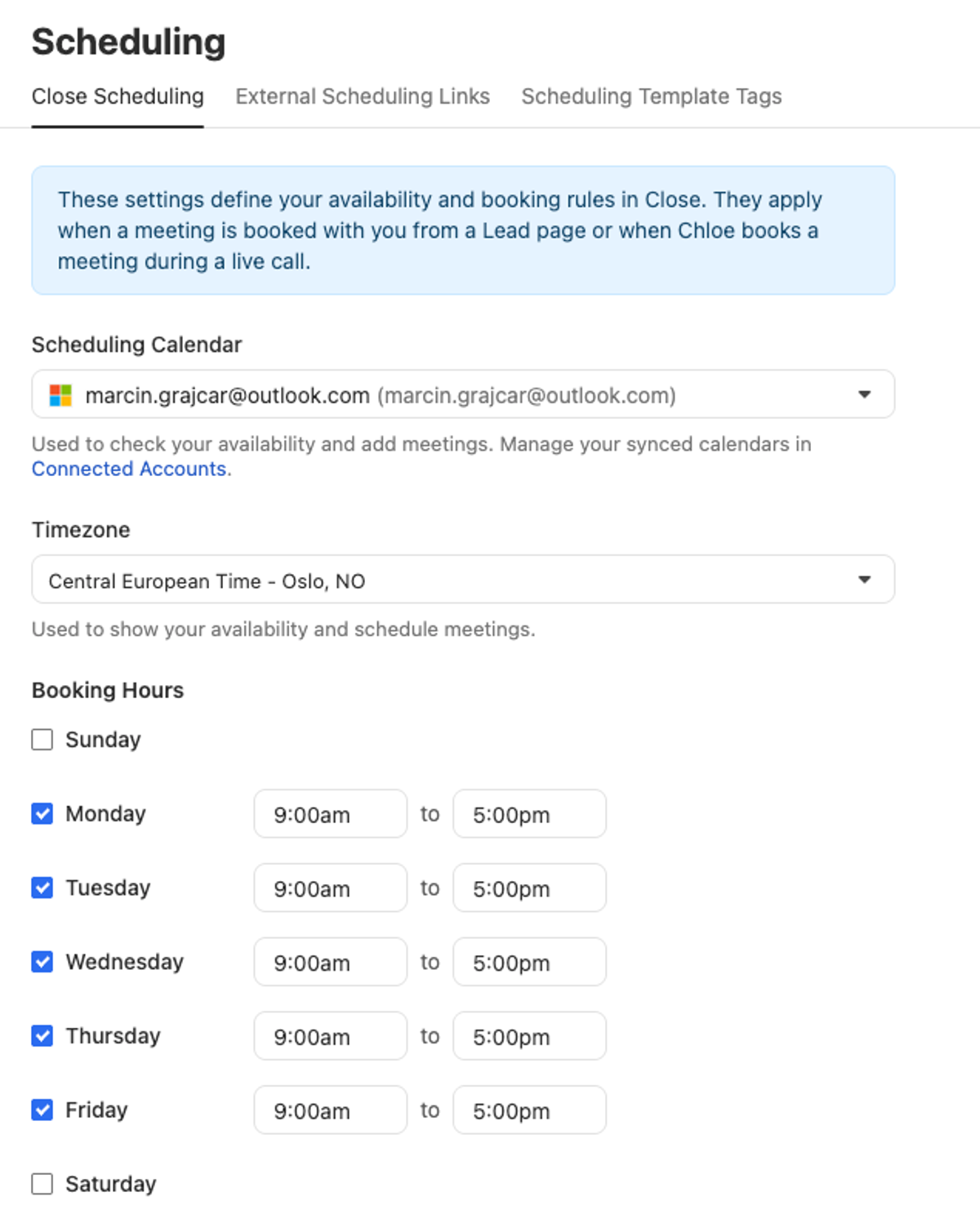
We introduced Microsoft Calendar support to the Book Live Meeting skill in Chloe and to Close Scheduling.
It’s now possible to book a meeting for users with Microsoft accounts in Close Scheduling.
Chloe can book a meeting live on the call for users with Microsoft calendars.
Additionally, we now support scheduling Teams meetings.
Any MCP client, including Close’s Claude connector, can now fetch Notetaker meeting transcripts using the new fetch_meeting_transcript tool.
You can learn more about Close’s MCP server, including our official integrations for Claude and ChatGPT, at developer.close.com.
Improvement
View your meetings from anywhere in Close
Click the calendar icon in the app header to see your schedule for the day. If you have a meeting coming up today, it'll show automatically in the header as a heads-up.
Hover over any meeting and click the Chloe icon to chat with Chloe about it. Ask her to prep an agenda, draft a brief, or anything else you need before you hop on the call.
Add Knowledge Sources to help Chloe better understand your team's sales strategy, product and pricing information, and expectations for reporting.
When you ask Chloe questions, she can reference those Knowledge Sources to give you better answers.
Pro Tip: Adding Knowledge Sources can help Chloe craft better email drafts!
Improvement
Rich text formatting in Opportunity notes
You can now format your Opportunity notes with bold, italics, underline, strikethrough, links, and more right inside the Opportunity on a Lead page.
It works the same way as rich text in your Lead notes, call logs, and meetings. Just click into the note field on any opportunity and use the formatting toolbar that appears.
New Feature
See how Chloe thinks in Chat
When Chloe needs to think through a request, you'll now see her reasoning. This context can be helpful for understanding how she arrived at a response.
New Feature
Two security improvements for admins
We've shipped two updates to give admins more visibility and control over your Close org.
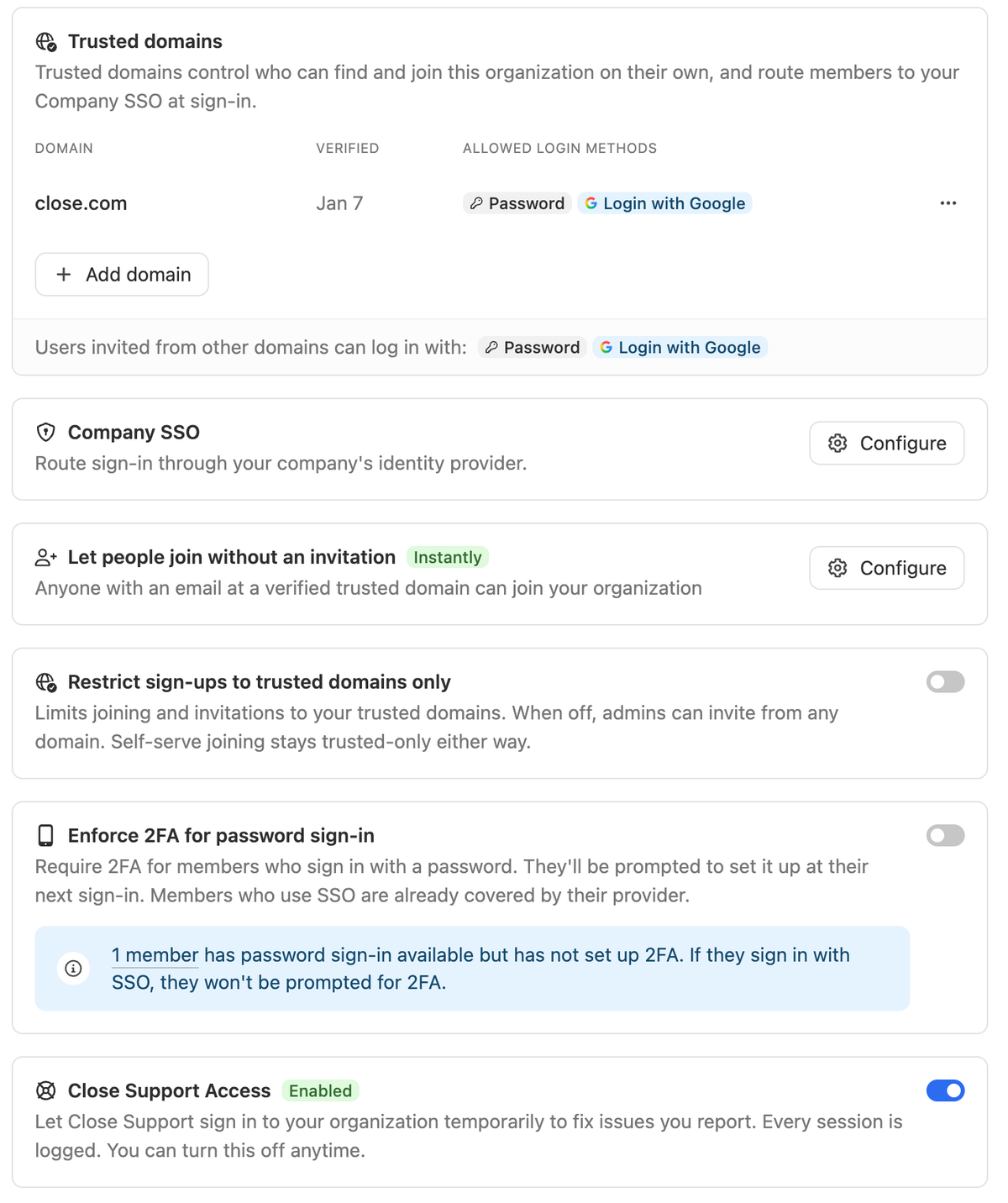
Restrict invites to approved email domains
We expanded the capabilities of Seamless Invites and Team Management. You can now set a list of allowed email domains in Settings → Team Management.
Any invite or signup attempt from an email outside that list will be blocked automatically.
This only applies to new members joining after the setting is enabled. Existing org members are not affected.
Get notified when a data export is initiated
Admins now receive an email whenever a data export is kicked off in Close. The subject line shows who requested it (e.g. Jane Smith initiated a Close export), and the body includes their email address.
The email tells admins:
What happened (an export was kicked off)
Why they're receiving it (because they're an admin)
Who requested the export, and when
This gives admins immediate, actionable awareness in case an export looks suspicious. Note: there's no way to stop an in-progress export from the email itself, so please contact Support if you need assistance.
Improvement
Chloe Chat Sidebar view
We've rolled out a ton of new upgrades to Chloe Chat:
A new "Sidebar" view option.
When viewing information about Voice Agents, Chloe has context on what you are looking at for faster results.
Tons of new capabilities, including creating comments and updating opportunities.
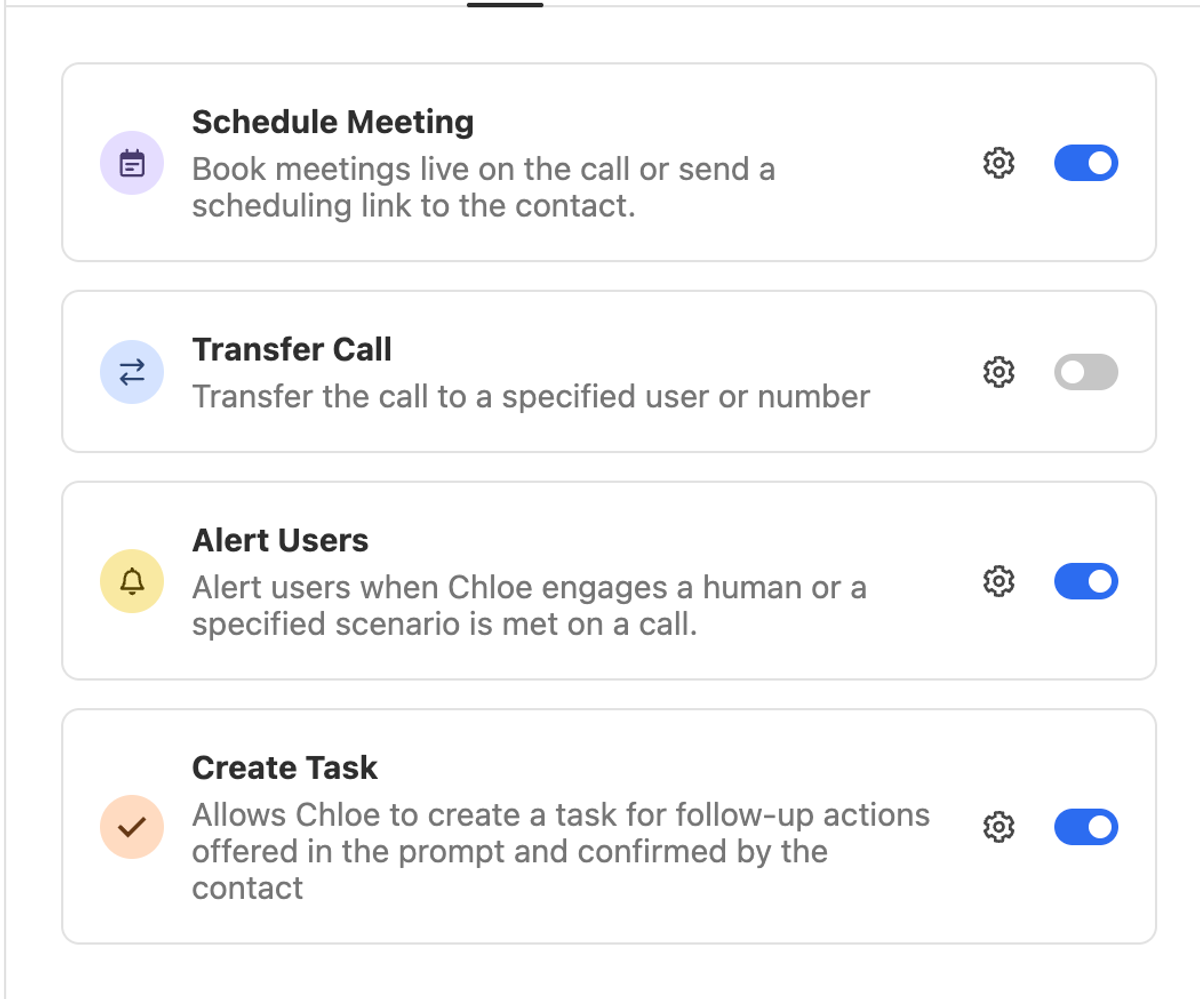
Assign Chloe Call Tasks (ex: "Call this lead")
Update any Chloe Voice Agent instructions
Improvement
Improved File attachments for Opportunities
On the lead page you can now add file attachments to an Opportunity even when you're in view mode, no need to switch into edit just to upload a file. This is available under the Opportunity More (...) menu.
And when you are in edit mode you can now drag and drop files into the Attachments section for easier upload.
New Feature
Introducing Chloe, Your AI Sales Teammate in Close
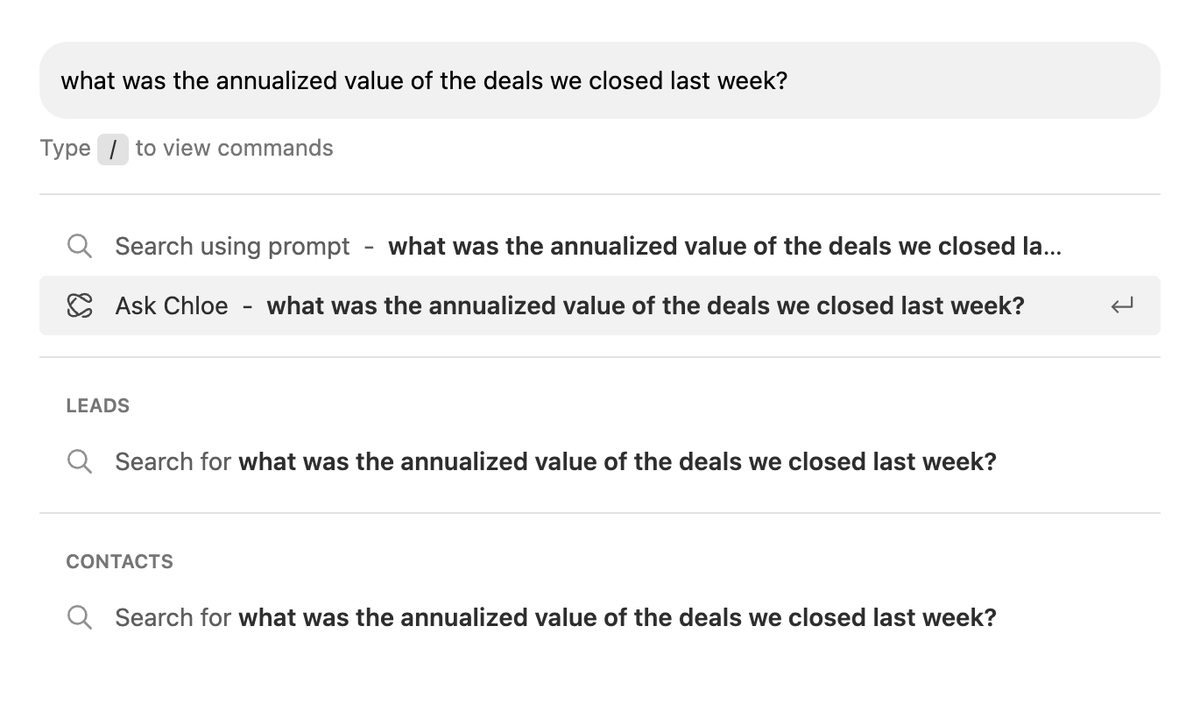
Chloe is an AI sales agent built directly into Close. She can call leads, qualify prospects, answer questions, book meetings, follow up automatically, enrich customer records, update CRM data, and help teams work inside Close through Chloe Chat.
Voice Agents
Chloe calls your leads, runs real conversations, and logs outcomes, summaries, and transcripts back to the lead record automatically. See Voice Agent Setup to get started. Available to U.S. customers only.
Chat (beta)
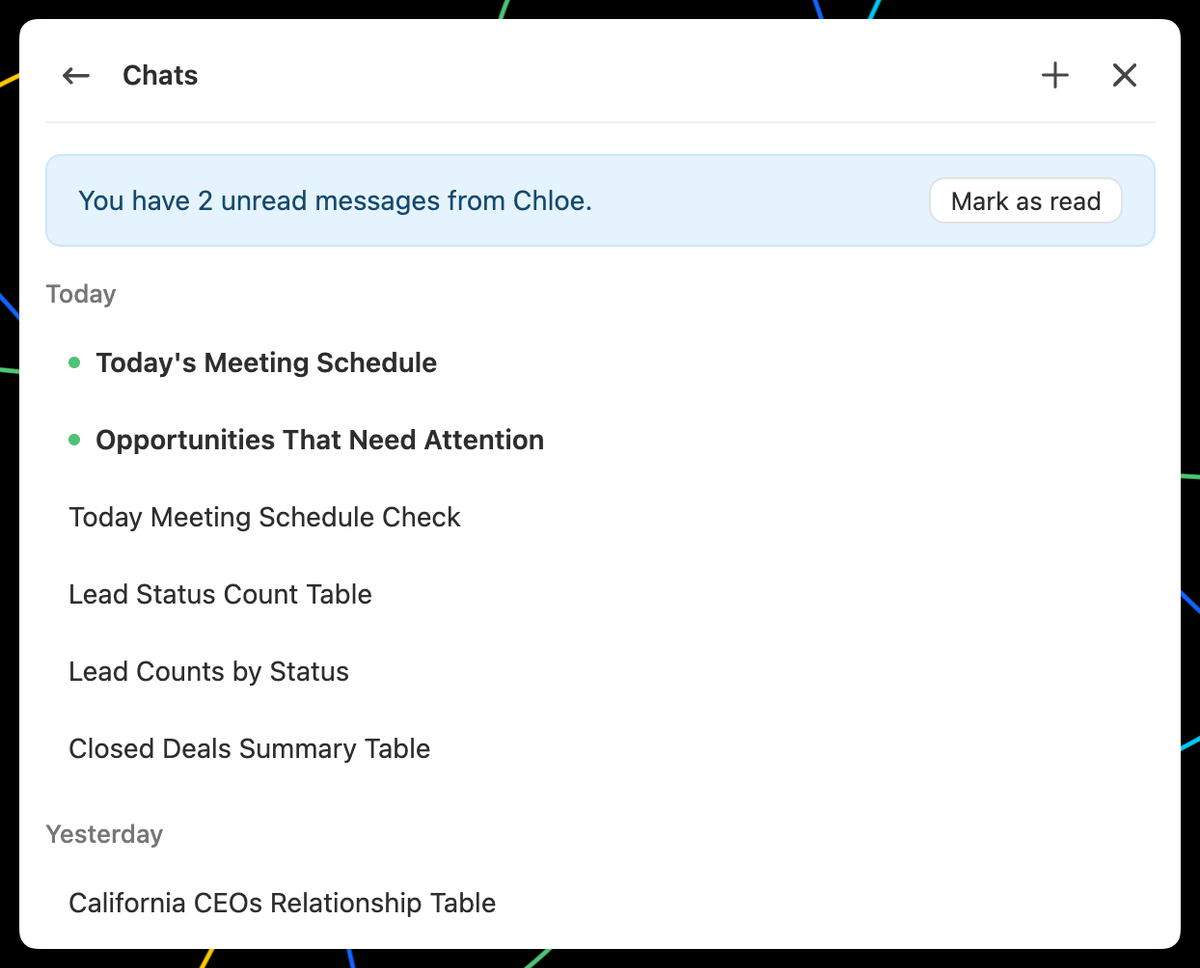
Your AI assistant inside Close. Ask about your leads, pull pipeline summaries, and take actions. See Chloe Chat. Available worldwide.
New Feature
Native Scheduling
Scheduling meetings has always been tedious, but we built native scheduling capabilities in Close. Now, you can book a meeting with a customer or prospect directly from the Lead Page!
We currently support Google Calendar booking (Microsoft coming soon). It’s a matter of configuring Close Scheduling in Settings.
Close's official ChatGPT app is now available. Whether you need to generate a custom report, research and create a new lead list, get a summary of recent interactions with a customer, or create new Workflows - all you have to do is ask ChatGPT to take care of it for you.
New Feature
Call Tasks
You can assign Call Tasks to yourself or a member of the team as a reminder to a call a Contact at a specific date and time. Call Tasks are similar and appear on Leads and the Inbox in the same place as Tasks, but there are a few differences:
Call Tasks must have an associated Contact.
When created using Workflows (via the Call step), Call Tasks can be assigned to a Group.
Close will automatically mark Call Tasks complete when there is a Call between the associated Contact and an assigned User.
A Call activity between the associated Contact and assigned User is required in order to mark a Call Task complete.
To learn more about Call Tasks, check out the Help Center.