Skip to content
Communication

Close deals faster with built-in communication

From calls and emails to texts and meetings, Close unifies all your communication channels into one sales workspace. No more tab-hopping, no more tool fatigue—just smarter, faster conversations that lead to more closed deals.

Start free with Google

No credit card required · Rated 4.7 on G2 · 11,500+ teams

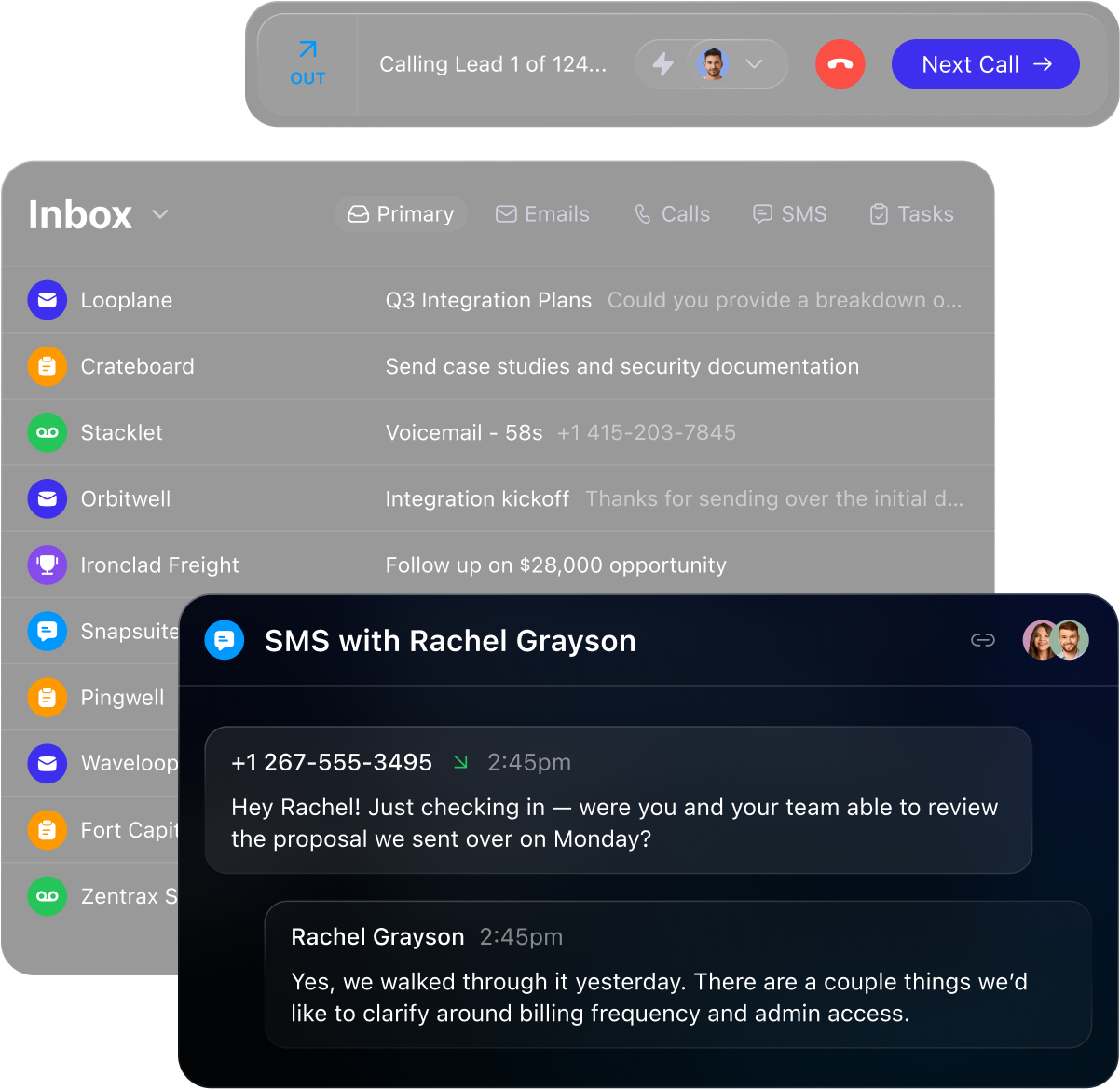
Dark mode communication app showing calls, emails, SMS inbox, and an SMS chat with Rachel Grayson.

The dialer built to start more conversations

Close makes calling effortless with built-in tools that scale your outbound, boost call rate, and capture insights automatically.

  • One-Click Calling

    Start calls instantly from any lead page—no extra software needed.

  • AI-Powered Call Summaries

    Get transcriptions and action items automatically with AI.

  • Complete Call Coaching

    Whisper or barge on live calls and review call recordings.

  • Predictive Dialing

    Double your outbound call volume with smart dialing.

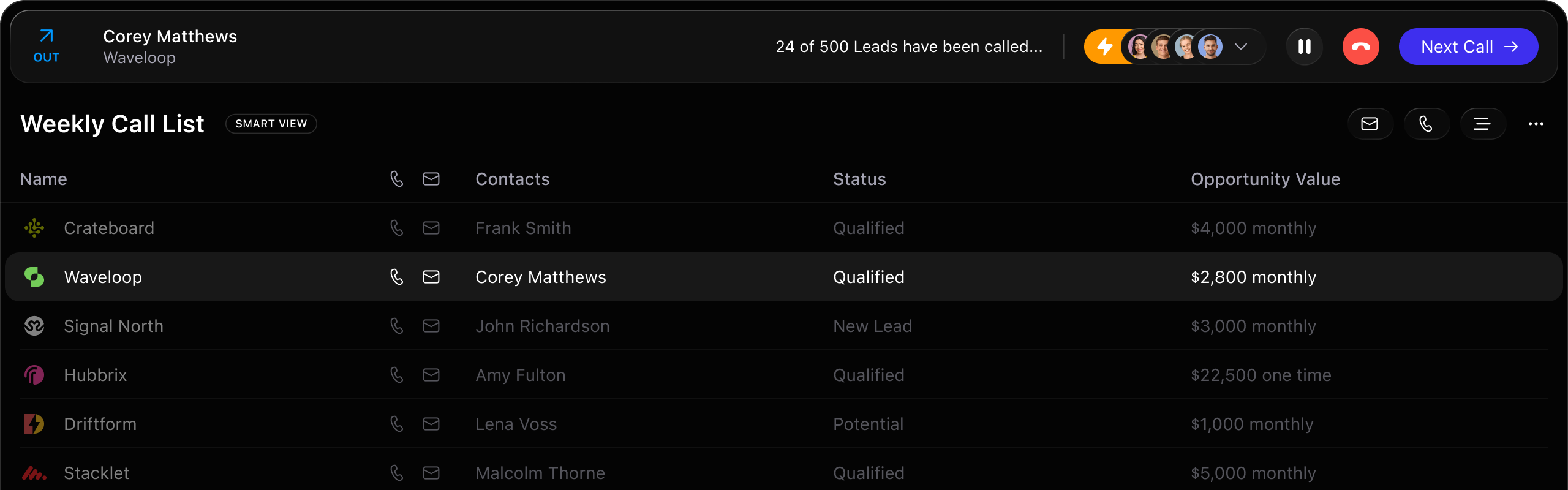
Weekly call list interface showing company names, contacts, status, and opportunity values with Waveloop highlighted.

Every conversation, in one place—out of the box

Stay in their inbox—and on their radar

Send bulk outreach and personal replies from the same powerful platform. With automation, templates, and AI-powered rewrites, email in Close is faster, smarter, and built to convert.

  • Bulk Emailing Made Simple: Launch personalized campaigns at scale and track opens and clicks in real time.

  • Automate Follow-Ups: Build email workflows that send reminders and nudges for you.

  • Speed Up Personal Outreach: Use templates, snippets, and AI-assisted rewrites to send polished messages in seconds.
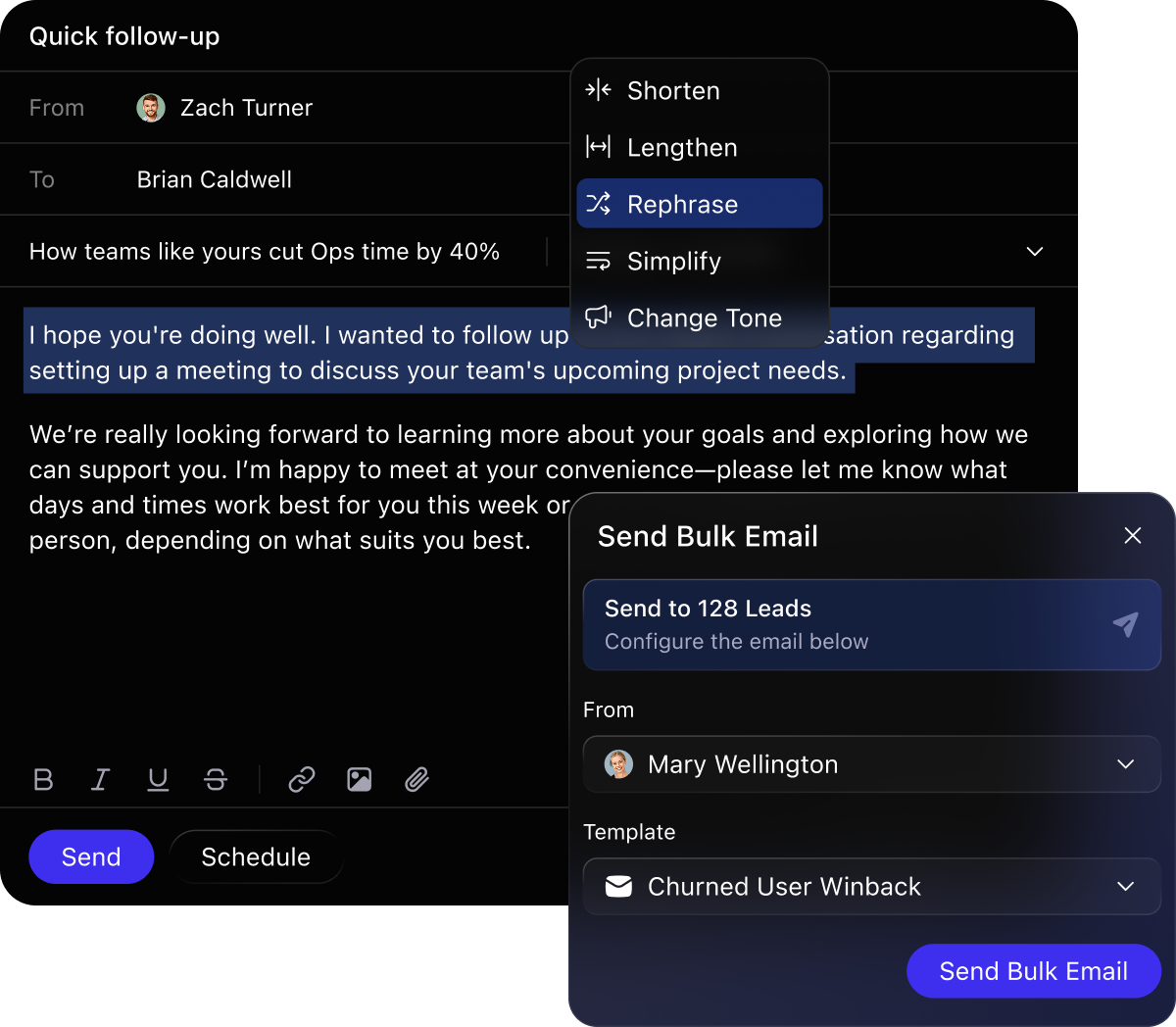
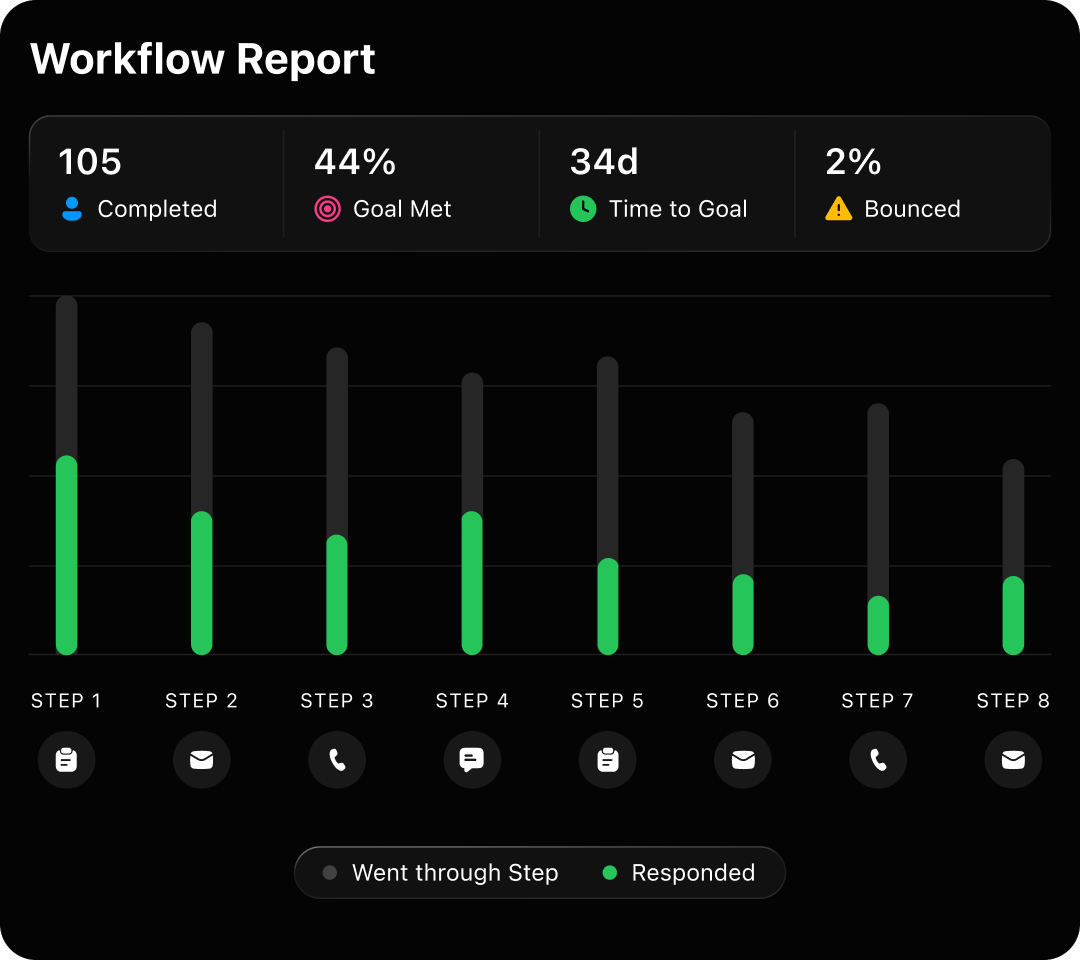
Email interface showing a quick follow-up message with text editing options and a bulk email send panel.

Stop overthinking. Start talking to your leads in Close.

Sign up, import your leads, and start more conversations. Try Close free for 14 days. No credit card required.

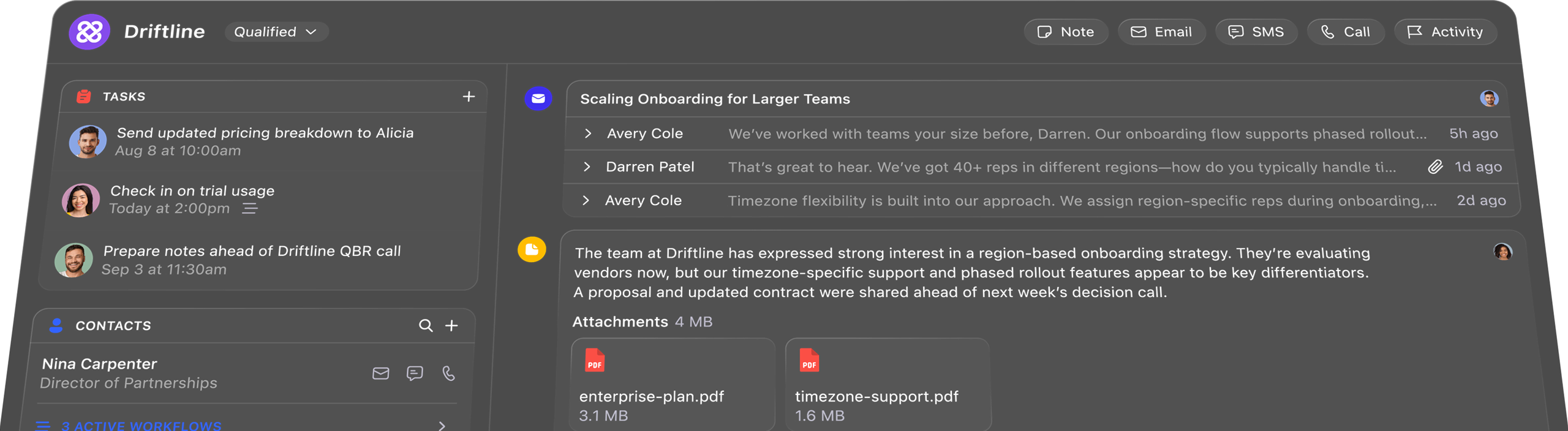
Dark mode Driftline dashboard showing tasks, contacts, messages, notes, emails, and PDFs for onboarding strategy.

Frequently Asked Questions