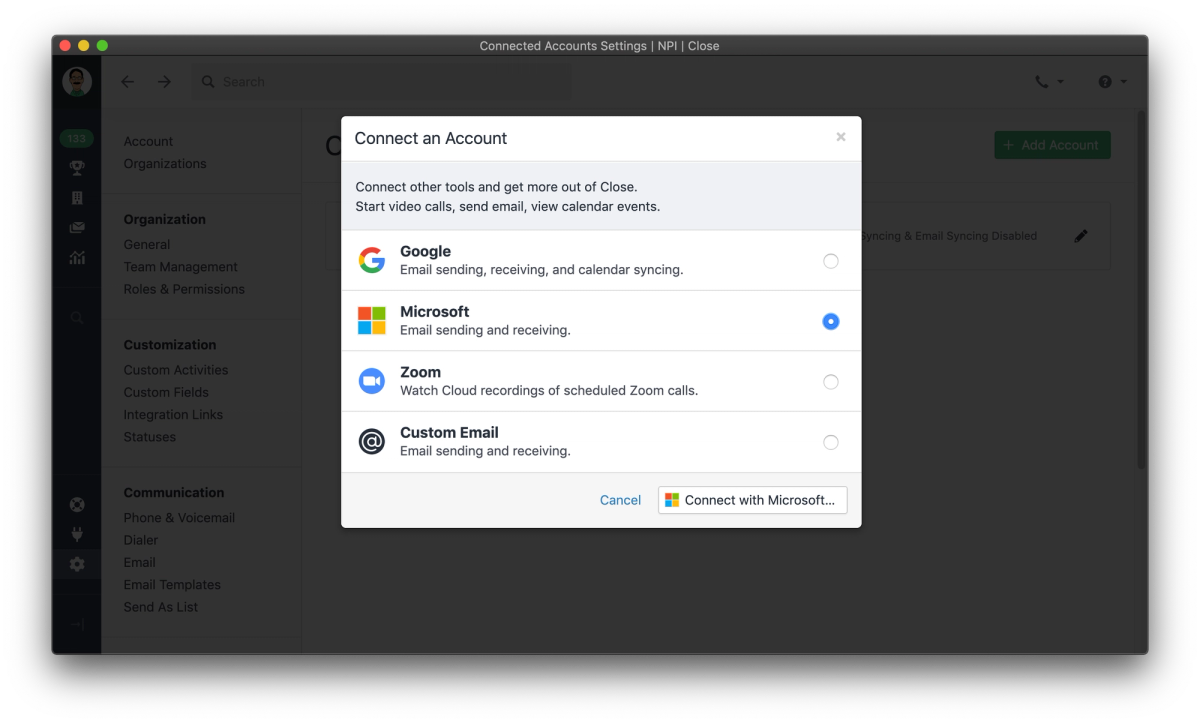
Microsoft 365 accounts can now natively be integrated as Connected Accounts, improving security and lowering friction for connecting new accounts. The new connected account type supports both syncing and sending email.
If you’re a tech-enabled team who needs to scale without overpaying for enterprise sales software, you’ve found the right sales tool.
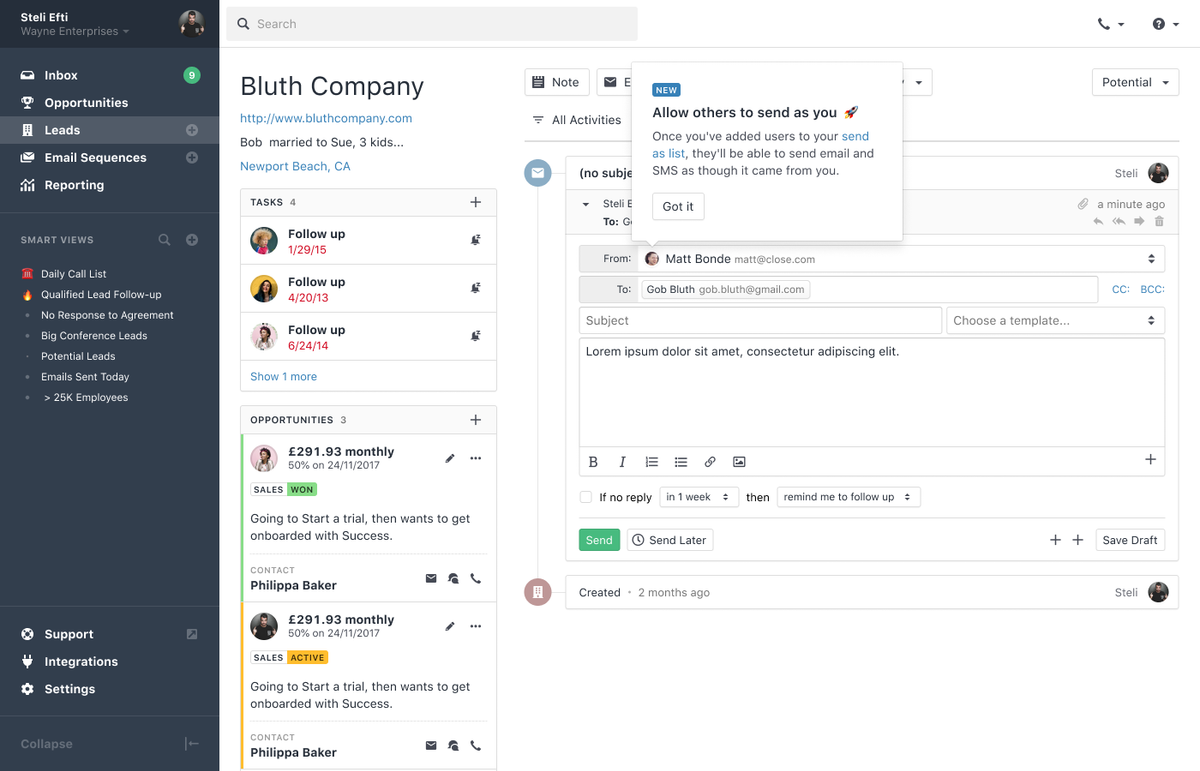
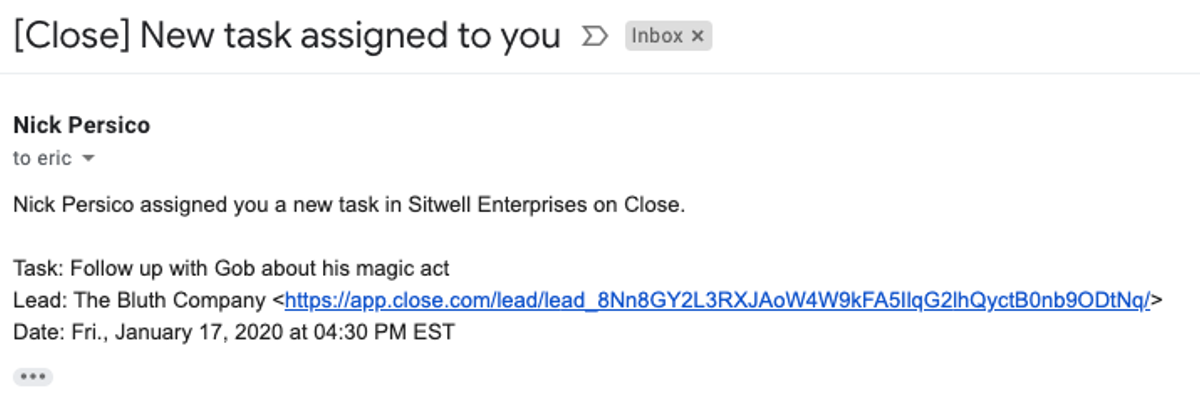
Email Send As lets you define a list of other Close users who can send email on your behalf, or for whom you can send email. Let your sales manager send as any salesperson, or let your copywriter send as the director of marketing. Only users you explicitly allow to send as you will have that permission.
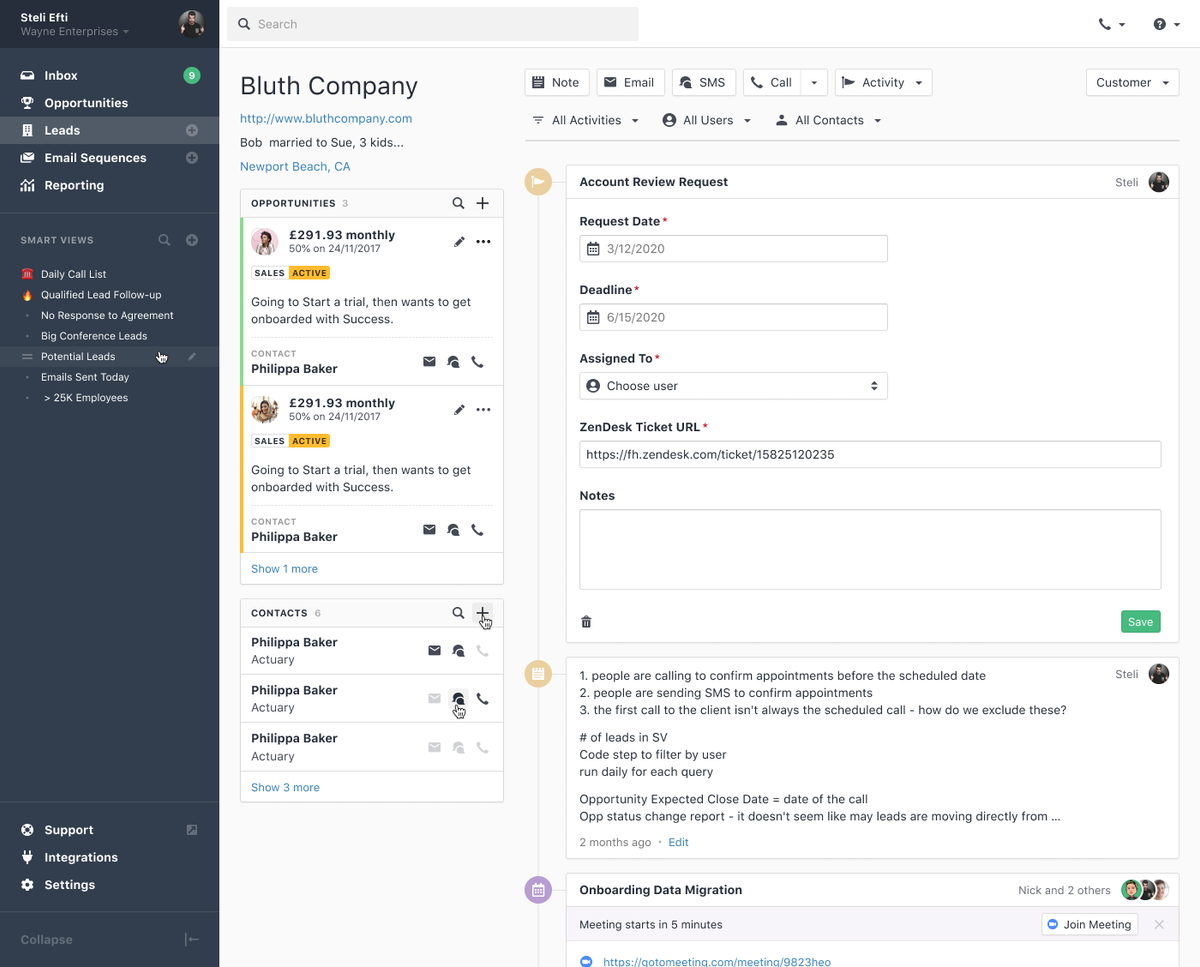
Custom Activities are a powerful way to expand the information you can track on a lead. Create new types of Custom Activities to track important lifecycle events for your leads, like delivering a demo, sending a contract, or signing a deal, or use them to store information from third-party tools like tracking when a support ticket is created or closed, when a chat is initiated on your marketing site, or when an account is created in your back office system.
Search for leads with exactly the custom activity data you need and create Smart Views to reach out to your most relevant leads exactly when you want to, and use the Activity Filters on lead pages to see just the information you need.
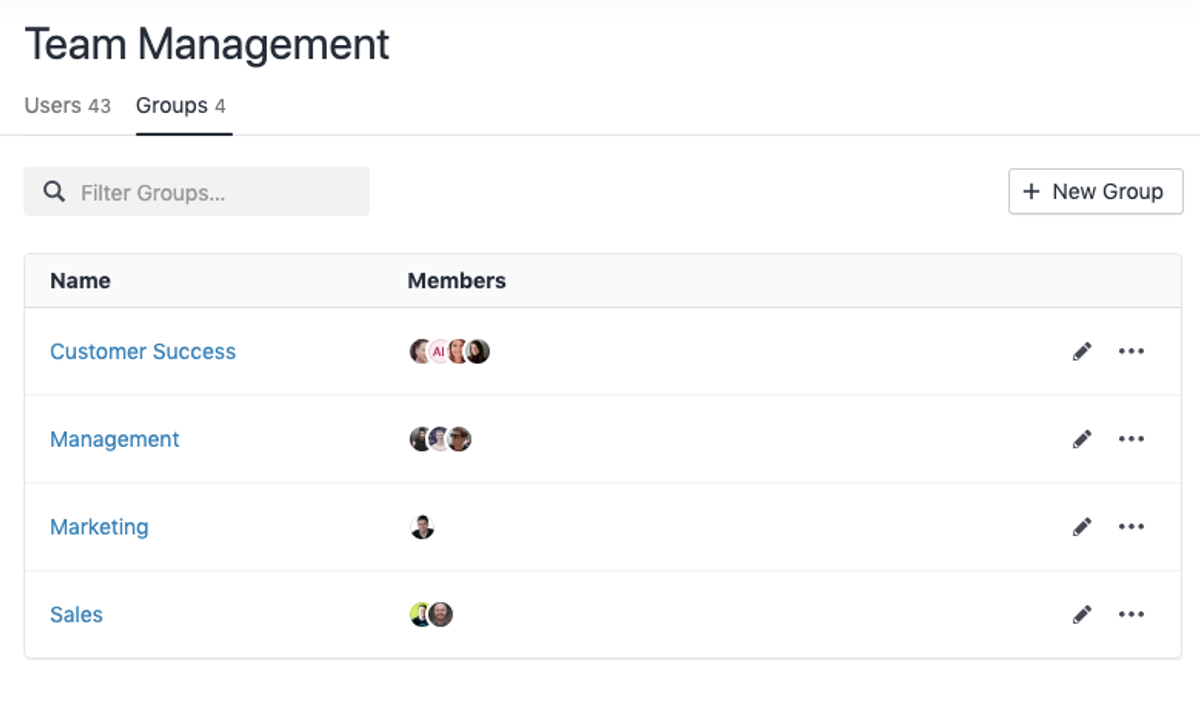
As your team grows, your needs change. Whether you're looking at Activity reports by region or searching for Leads last emailed by your Support team, it's helpful to group your team members. With Groups in Close, you can quickly and easily filter a report by job function, or see how your Pipeline looks by region.
Since users can belong to more than one group, you can have an EMEA group, an AE group, and a Sales Management group with exactly the right people in each of them. Groups are available today on the Business plan.
A while back, we changed our name from Close.io to Close. Today, our desktop app is updated to match.
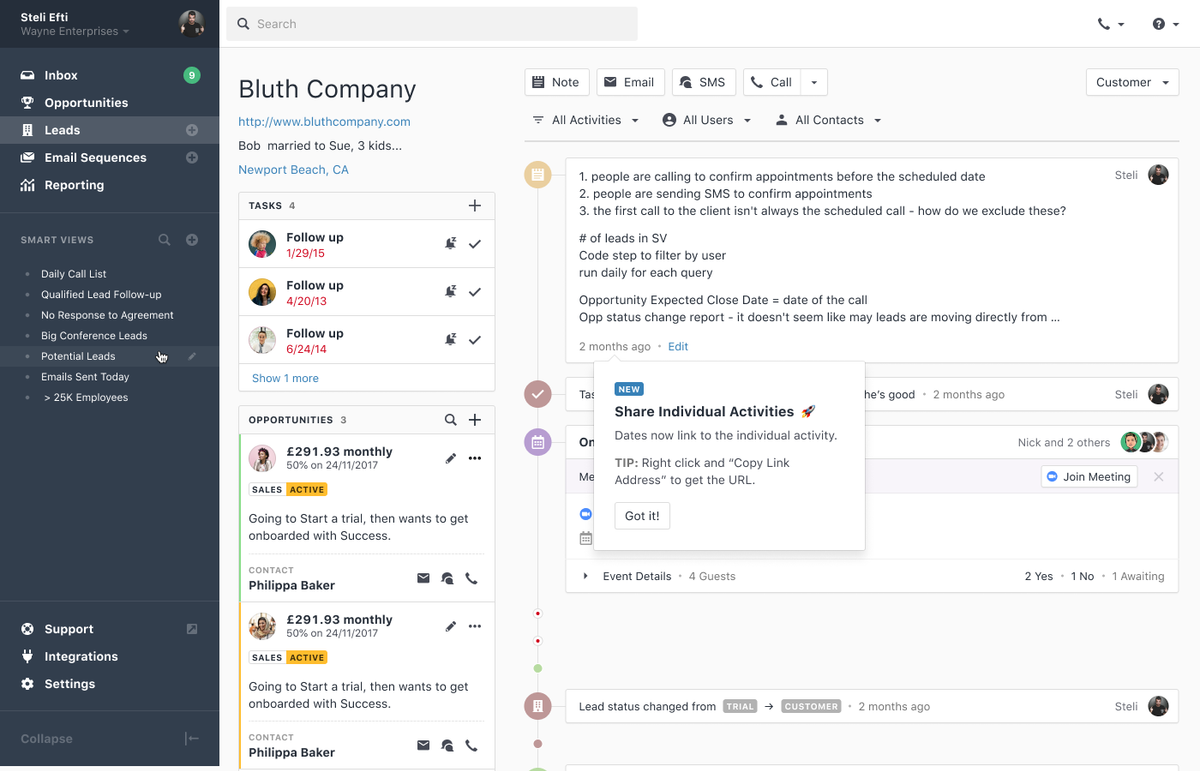
Have you ever wanted to share a link to an email thread with a colleague, or link to a call in an email with your team? Now you can.
While we launched our new Onboarding and Contact Custom Fields in April, that's not all we were doing.
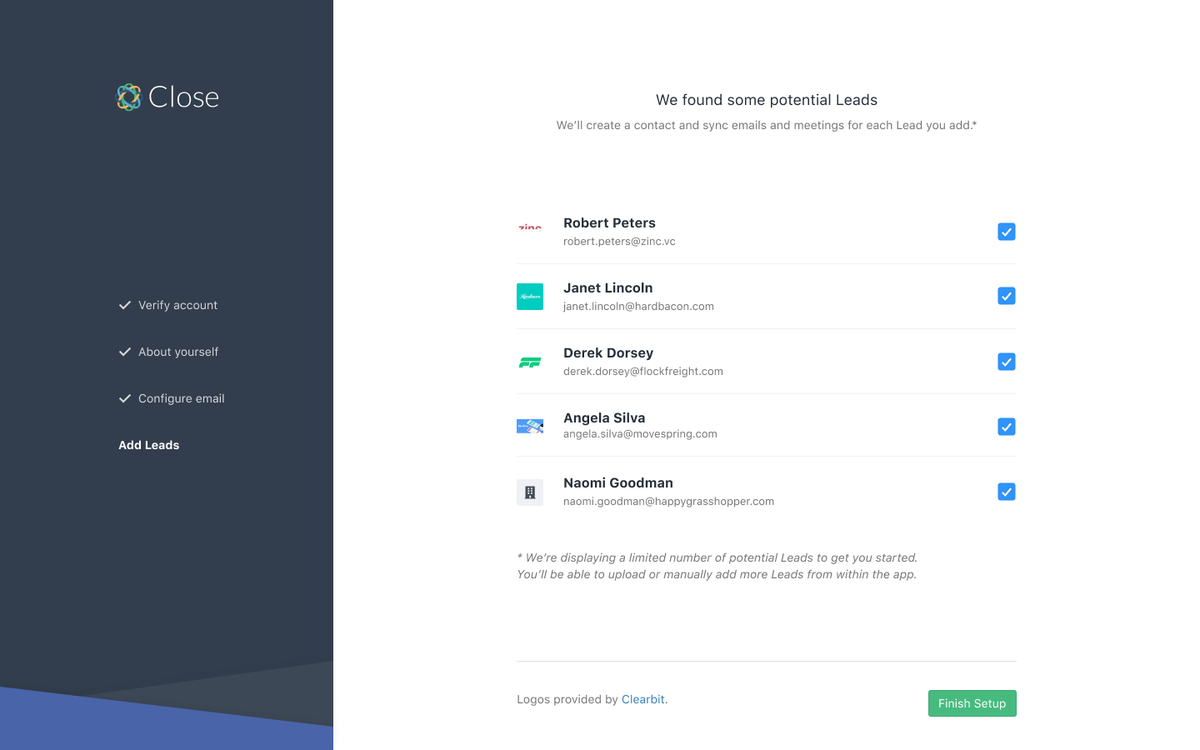
Whether you're signing up for a new organization in Close or inviting a new user into your existing organization, the experience has been improved with our new Onboarding.
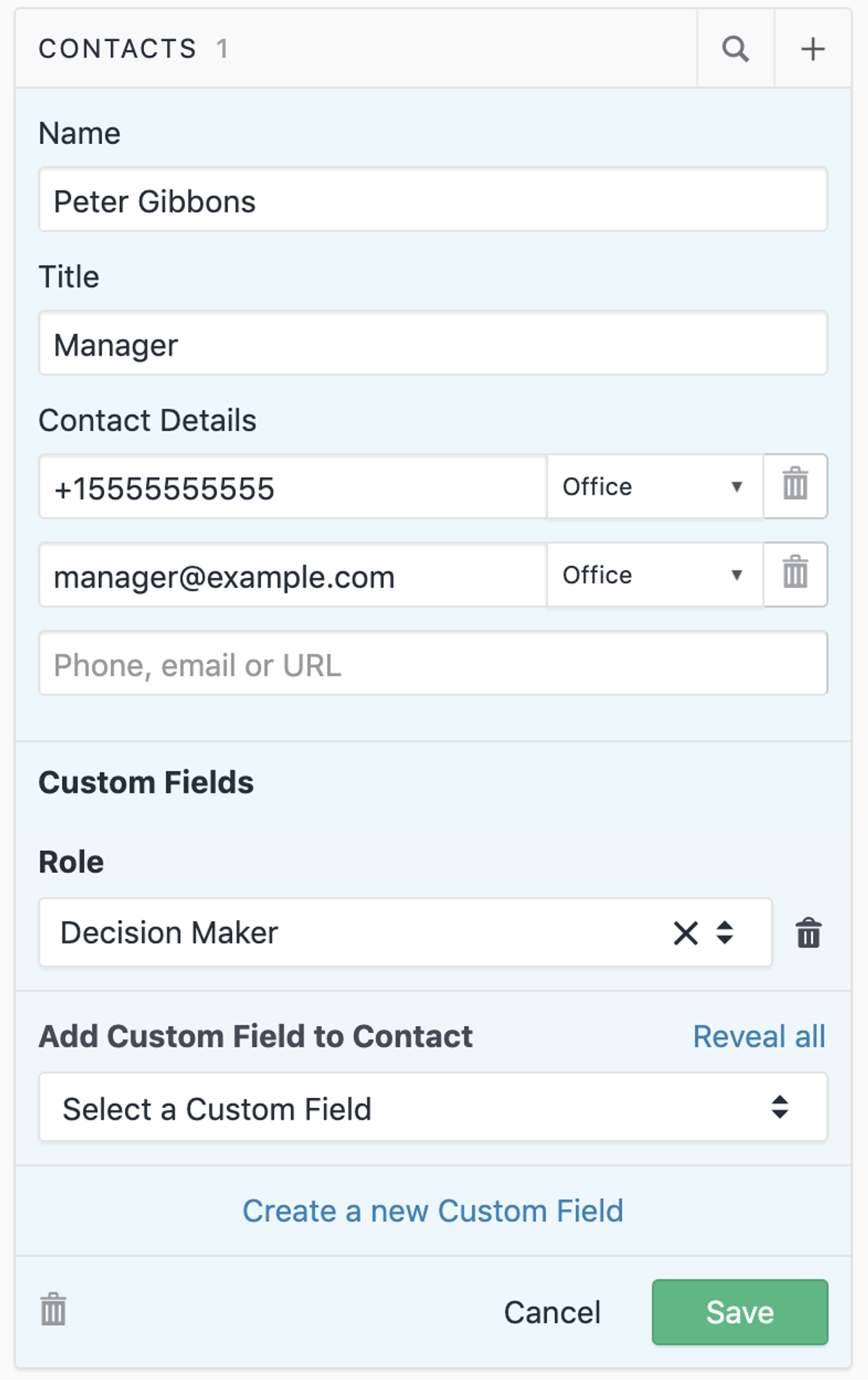
Close has long offered the ability to customize the information you store on your leads, letting you store things like Company Size, Contract Renewal date, and Industry that help your sales team make more informed decisions. Close now offers you the same ability to customize the information you store on each Contact, as well.
Whether you want to track who the decision maker is in each Lead or add a Skype username, you can now add the custom fields that your team needs. Custom fields on Contacts support the same types of custom fields you're familiar with on Leads, including choices, date, user, and API only (useful for integrating with 3rd party systems).
We had a busy March tackling issues big and small to make things run a bit more smoothly.
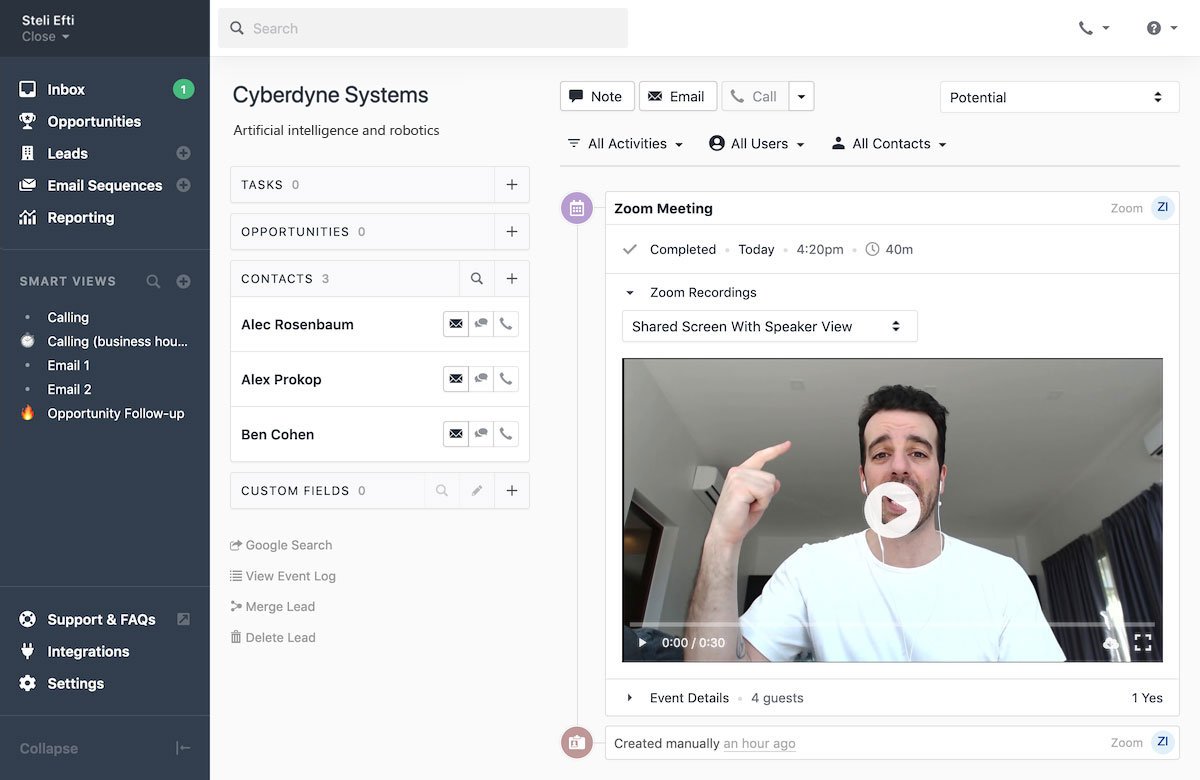
With the Zoom integration for Close, you can seamlessly capture and review Zoom cloud recordings from a lead page. After connecting your Calendar, get notified of upcoming Zoom meetings and join with one click. When the meeting is over, you can view and save Zoom Cloud recordings from the Meeting activity on the lead.
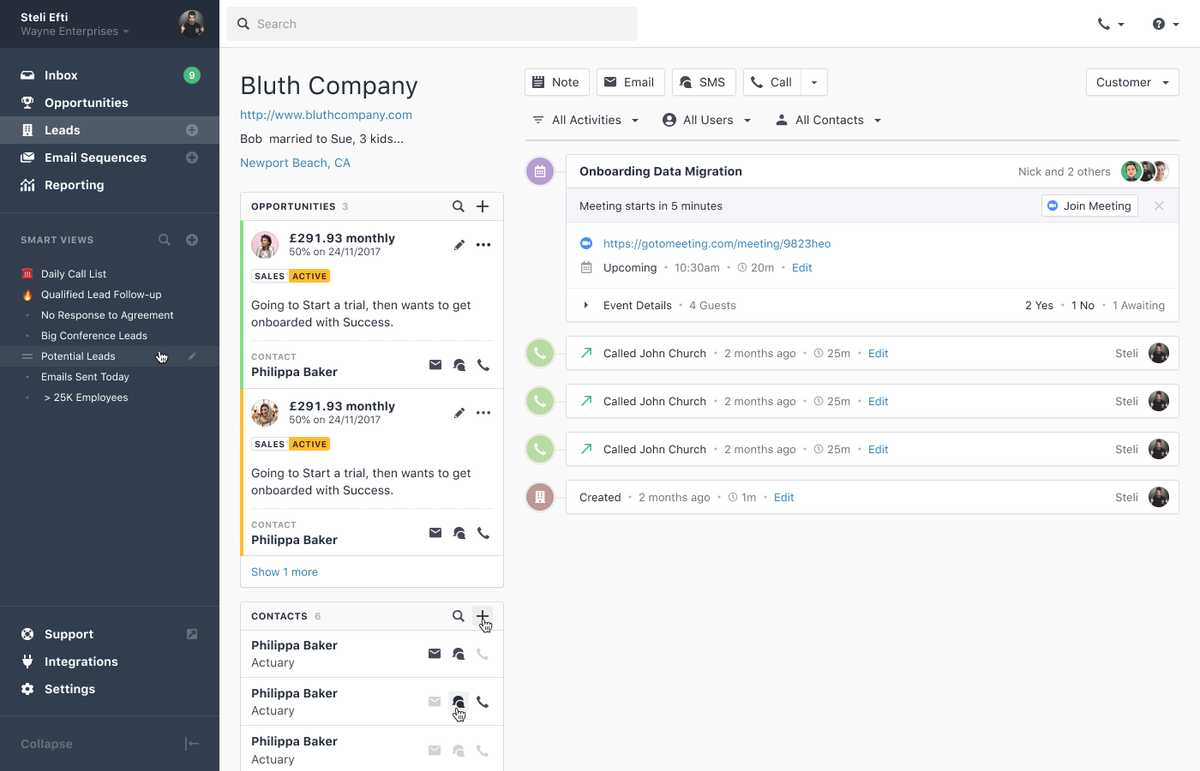
Meeting Sync makes it simple to connect your Google Calendar and automatically track the meetings you have with leads, and it works just like email sync in Close today. Just go to Settings → Connected Accounts and enable Calendar Syncing for any of your Google accounts. Once a calendar is connected, any meetings you schedule will appear on the leads they're booked with. Changes to the calendar event will update the synced meetings automatically. You can also search for leads with Meetings scheduled, and when you're ready, you can report on the meetings you've had, too.
While you're using Close, you'll be reminded of upcoming meetings by the Reminder bar, which lets you jump into a call or to the lead with just a click.
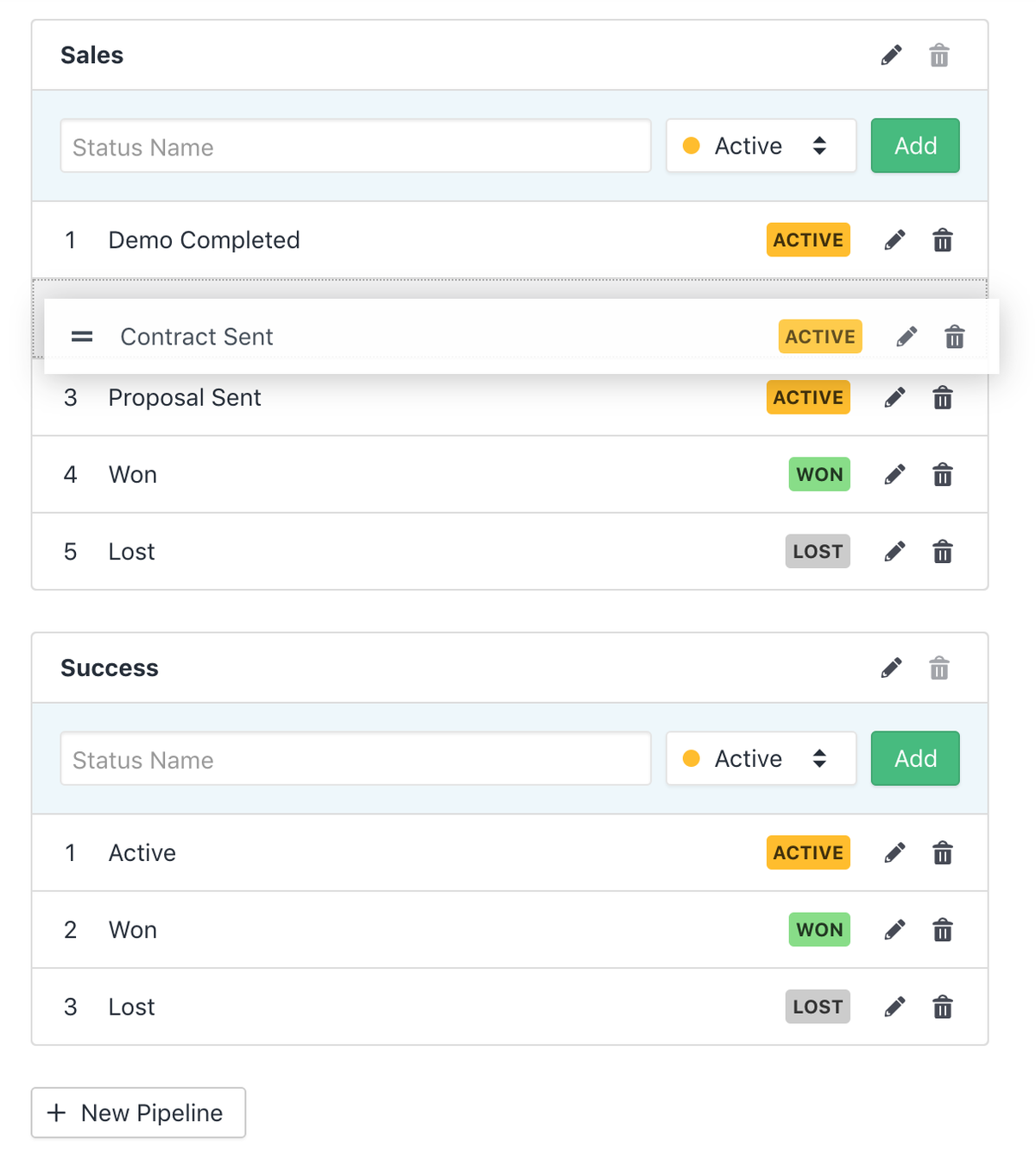
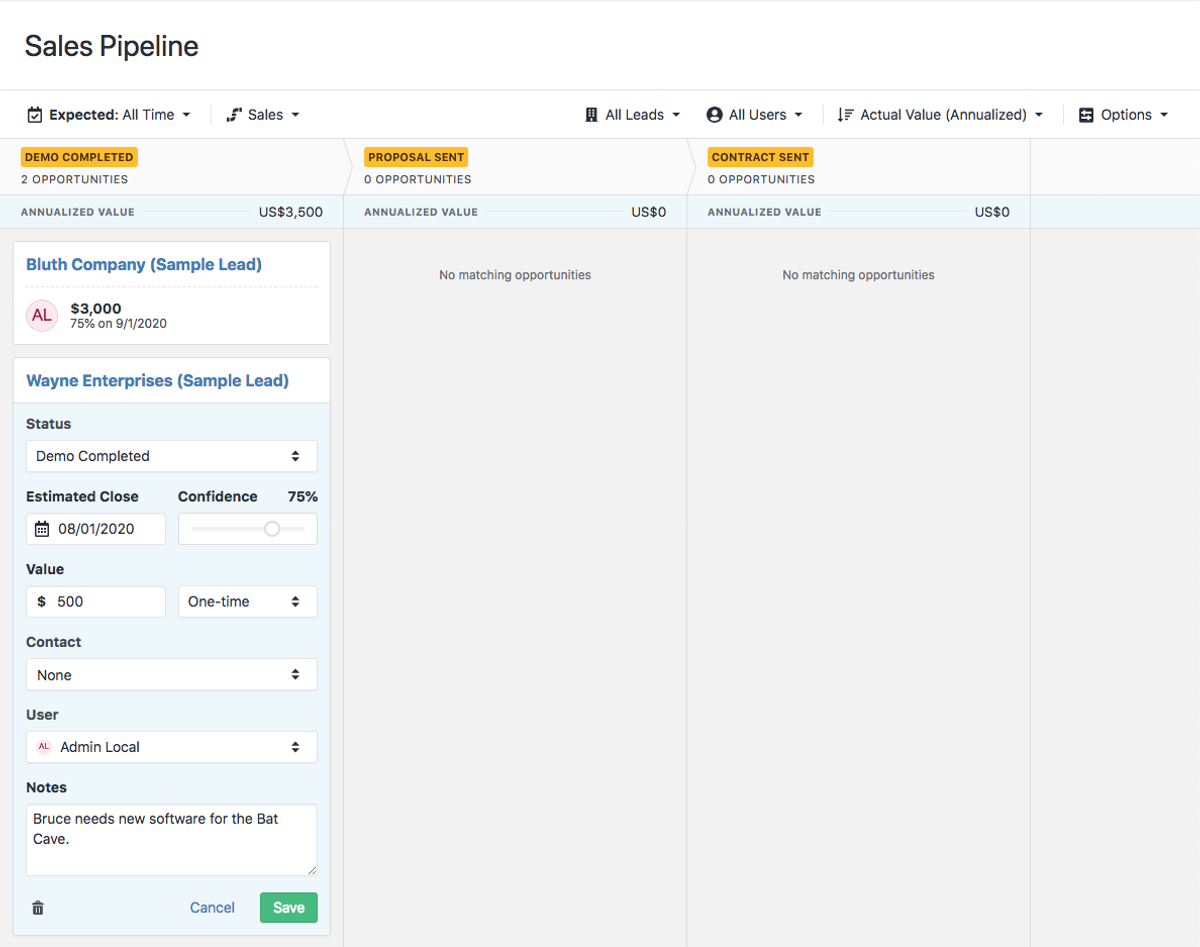
Your sales process probably involves a series of Pipeline stages like "Demo Given", "Proposal Sent", "Contract Sent" and then "Won" or "Lost". That works great for your sales team, but what happens when your Success team tries to capture their process? Doing it all with a single, mixed set of statuses can be difficult and lead to confusion.
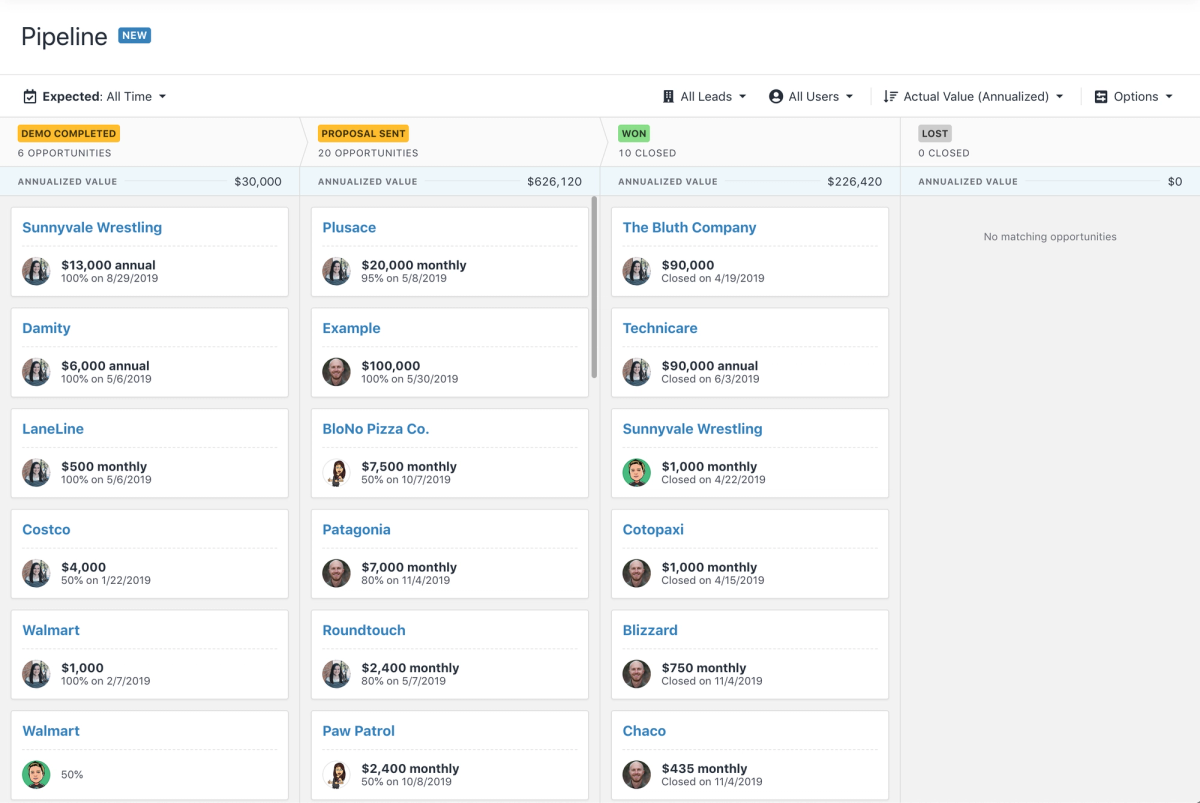
With the launch of Multiple Pipelines, each team or process in your company can have its own Pipeline, with its own name and set of Opportunity Statuses. Whether it's your Sales team, Professional Services, or Growth, track deals across every stage of the process.
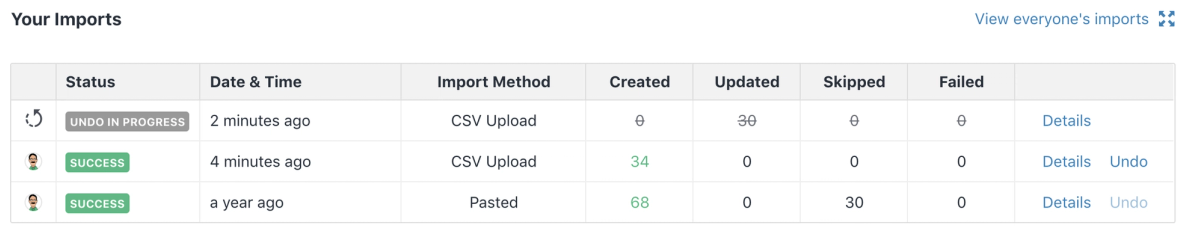
When we introduced lead update imports earlier this year, we didn't include the option to undo an import that updated Leads. With this release, you can now undo any import, whether it created Leads, updated them, or both.