
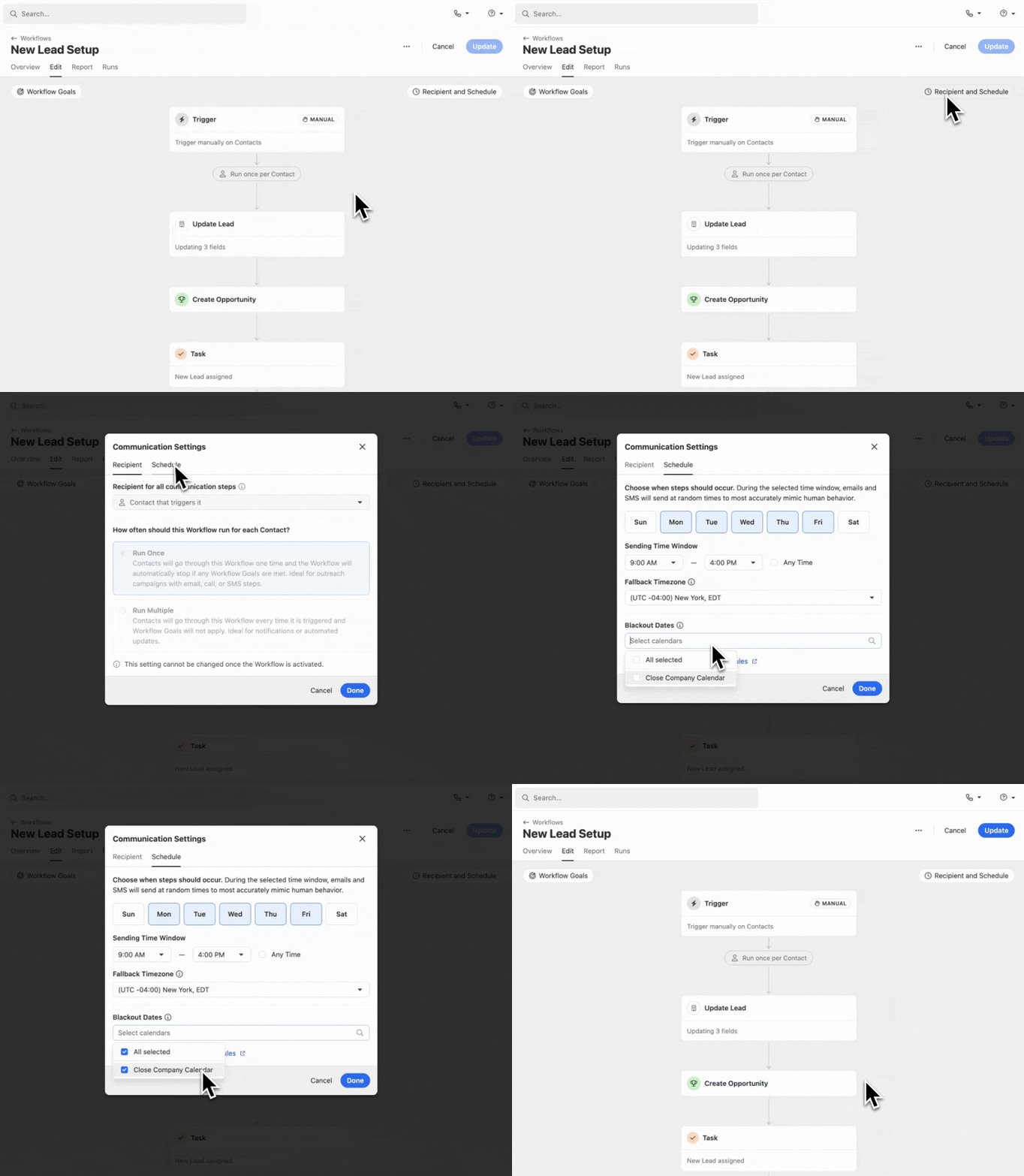
Add Blackout Date calendars to Workflows to prevent automated email and SMS messages from being sent on certain holidays or days when your team is unable to respond.
How it Works:
- Create calendars to prevent automated email and SMS messages in Workflows from being sent on certain days (holidays, vacation, etc).
- Multiple Blackout Date calendars can be applied to a Workflow via the "Recipient & Schedule" modal.
- Update multiple Workflows at once by selecting one or more Workflows and clicking "Set Blackout Dates" from the Workflows list.
Learn more about Workflows and Blackout Dates in the Help Center.

