
 Improvement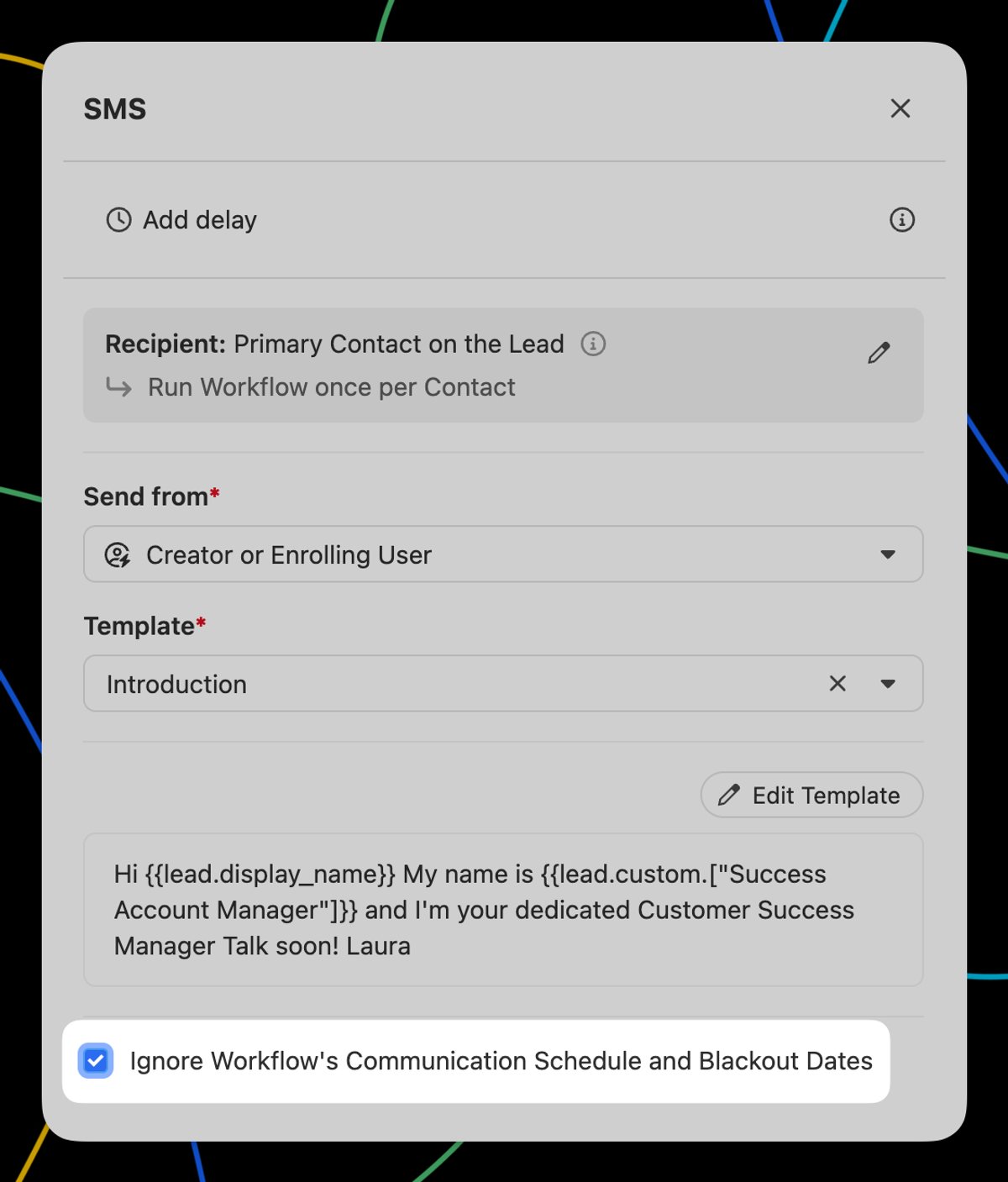
Email, SMS, and Call steps have a new "Ignore Workflow's Communication Schedule and Blackout Dates" checkbox. When checked, the step will process immediately and ignore the Communication Schedule and Blackout Dates configured on the Workflow.
On Call steps, the Call Task due date will be set to the time the Workflow step was processed.
This is great for situations where you want an SMS, email, or call to happen immediately after the Workflow is triggered, regardless of what day/time it is, and have the rest of the Workflow steps follow a traditional schedule.

