
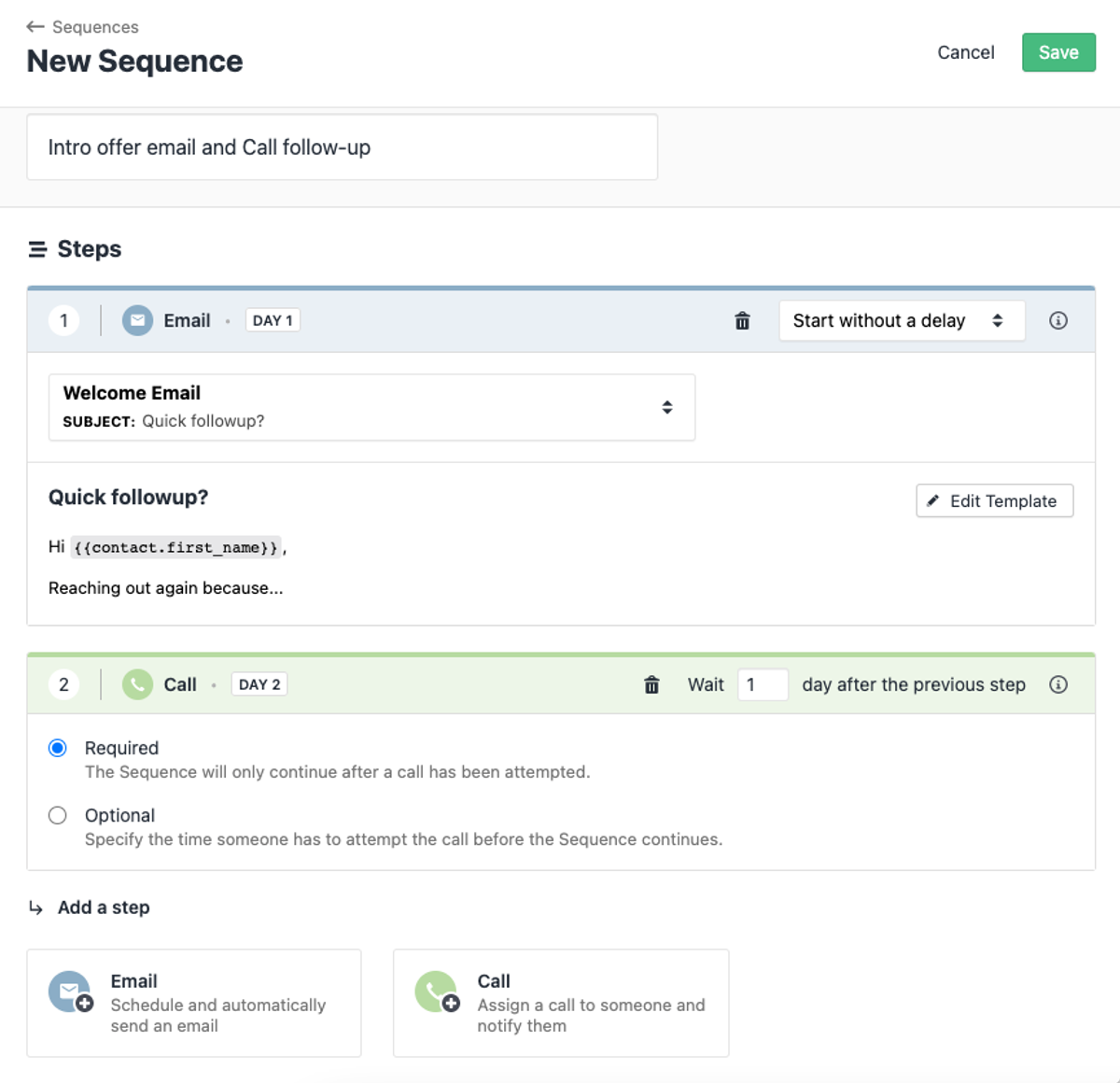
It's now possible to add Calling as a Step to your Sequence — improve your workflows and the effectiveness of your prospect communication. Add required or optional Calling steps, assign a Caller or a Group, enroll your Contacts and start calling them from a new To Do section, shown on the Overview tab in the Sequence details.
Apart from that, we've added the following improvements:
- We show more details about Sequence-related statuses and errors and how to handle them.
- We now use Contact's timezone for scheduling emails and Sequence calls.
- We added a User filter to the Sequences Report.
- It's now possible to search for Contacts in a particular Step and see all the Sequences that Contacts are enrolled in a dedicated Sequence column in Contact Filtering.
- We added support for Sequence reassignment when removing a Connected Account.
- It's possible to bulk enroll Contacts to Sequences in the Contact and Lead Filtering.
- We added a search box along with Active and Archived filters to the Sequences list view.

